
Cut
Signage and letters
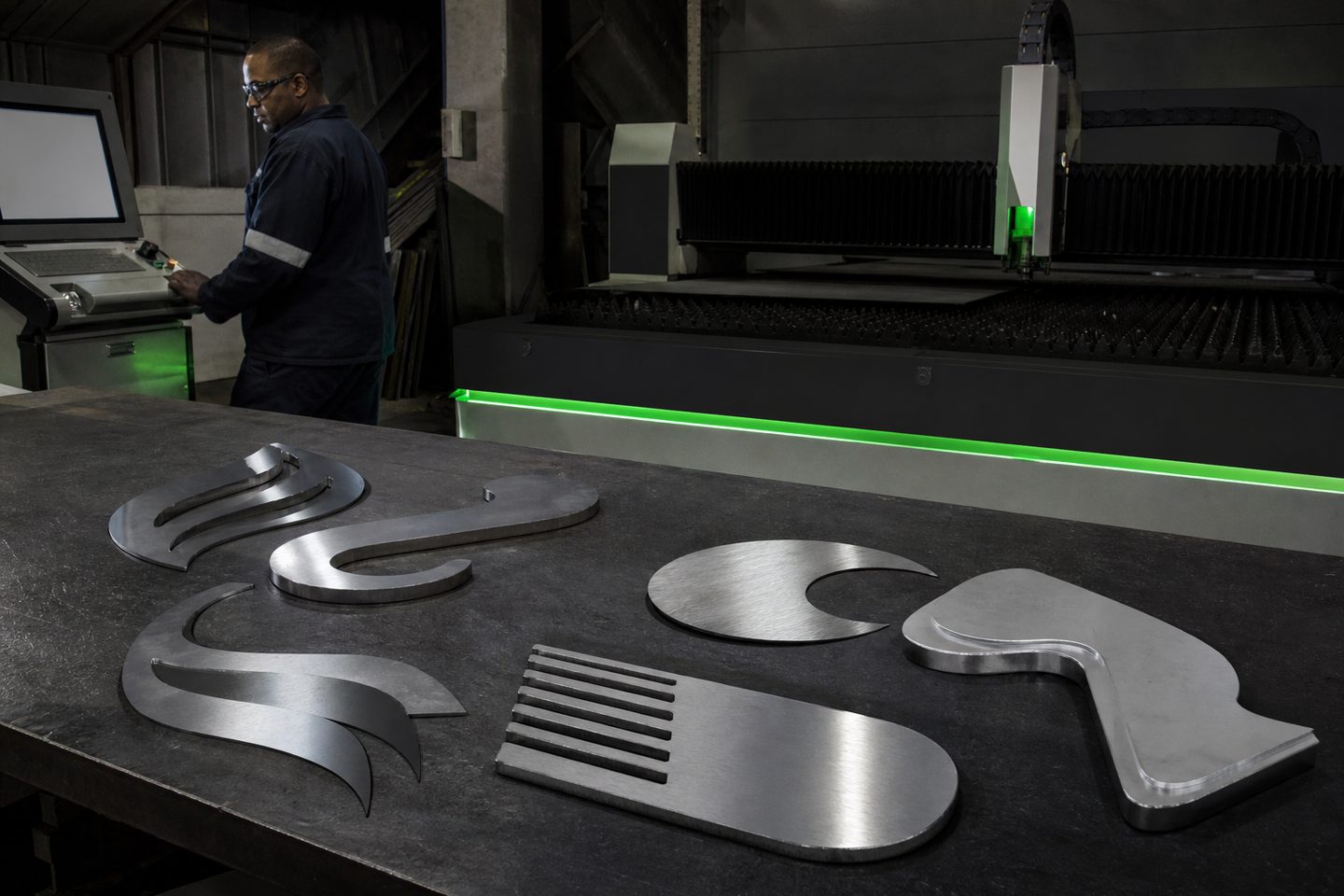
Fibre laser systems cut and mark letters, logos and sign panels on metals from stainless to aluminium, with clean edges ready for powder coating and minimal manual rework.
Systems
Start with these systems
Sheet cutting
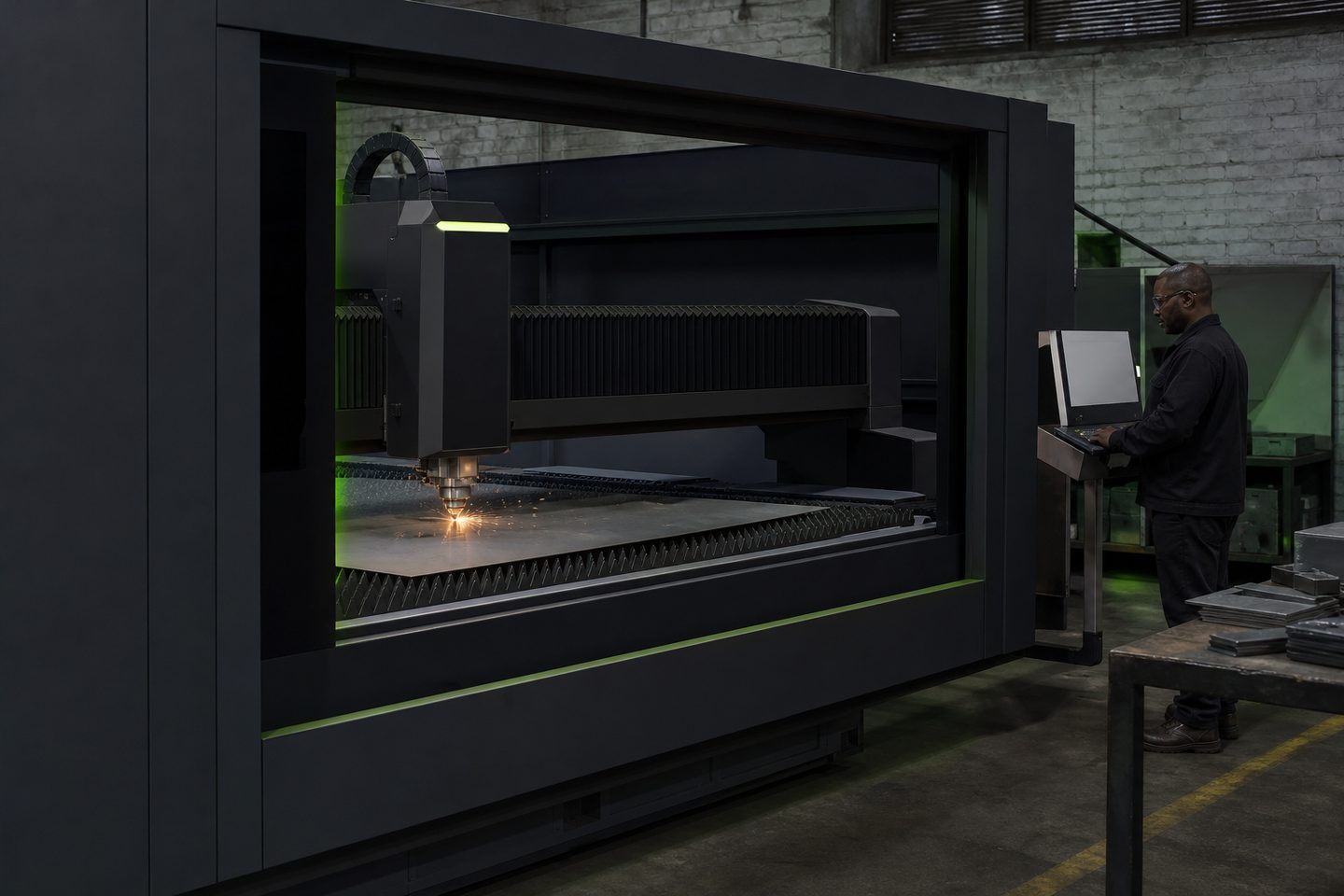
CutLine 1500
A production-ready fibre laser platform for sheet-metal work and repeatable cut quality on Gauteng floors.
Explore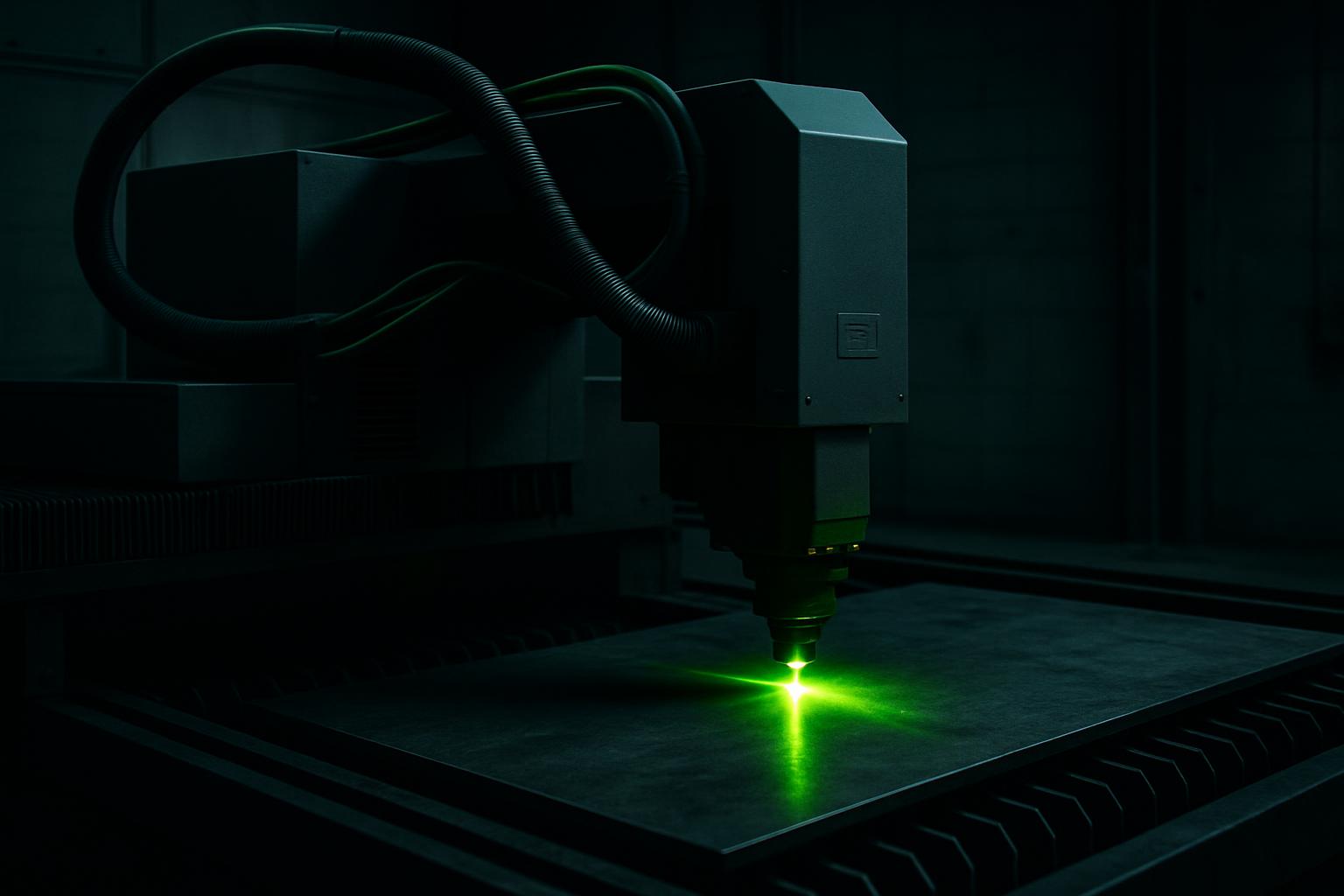
Fibre marking
Mark Pro 30
A compact fibre marking cell for durable serials, logos, and part identification on SA job-shop steel.
Explore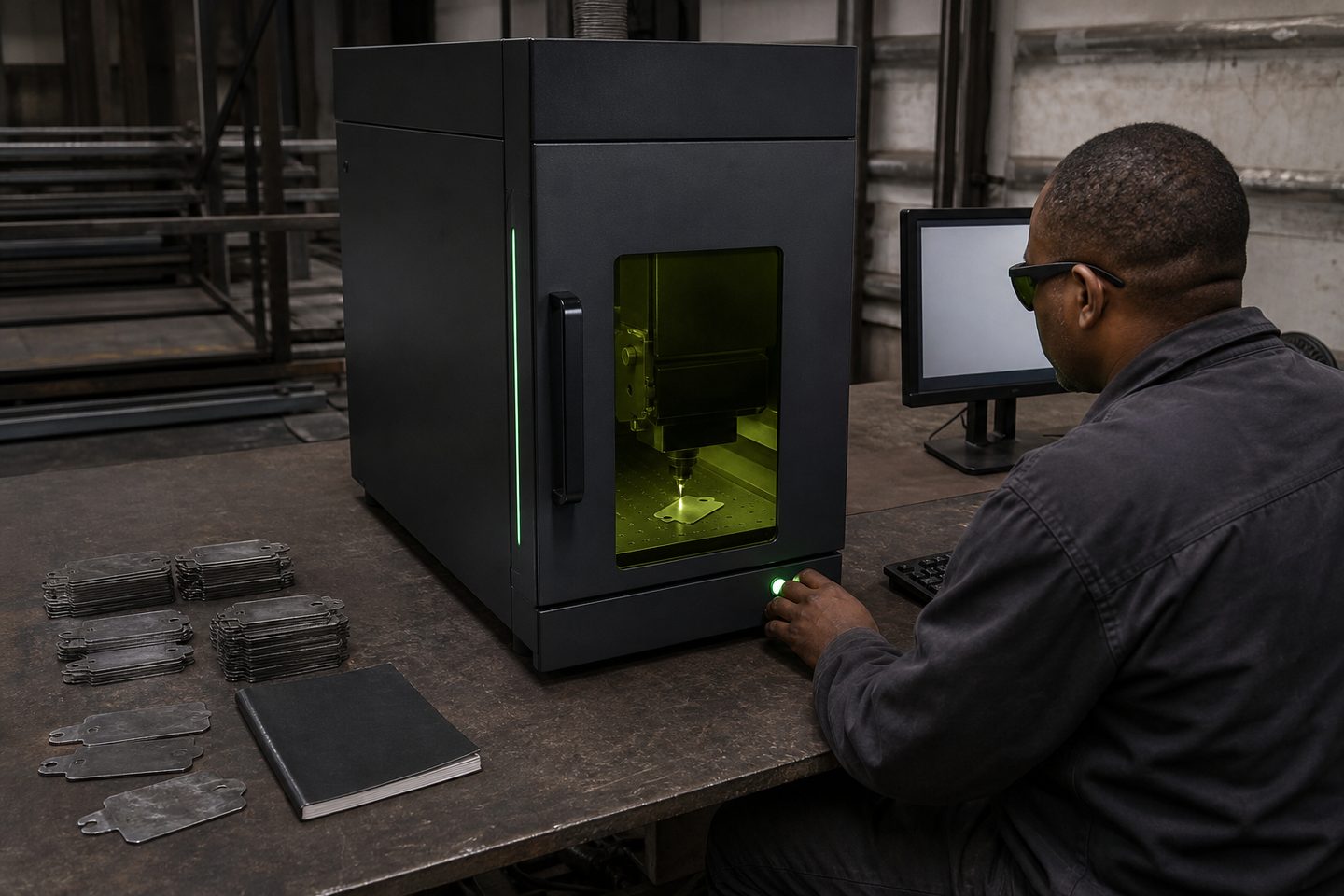
Desktop marker
BeamDesk Mini
A benchtop fibre marker for short runs, samples, and R&D cells that still need production-grade codes.
ExploreCommon signage parts and the right metals
South African sign shops often work with mild steel, stainless steel and aluminium to produce 3D letters, logo cutouts, face-lit shapes and fascia panels. Stainless is popular for its corrosion resistance and crisp finish, especially grade 304 on interiors and 316 near the coast or in food zones. Aluminium is light and easy to install, while mild steel is chosen for low-cost, painted signage.
Letter sizes range from small desk logos to large fascia panels. Many jobs require edge quality that is ready for powder coating or painting. Shops also mark or engrave serials, batch codes or logos for traceability or branding before finishing.
Systems for signage cutting and marking
The CutLine 1500 fibre laser platform is designed for sheet metal cutting. Its bed size suits the majority of local sign jobs, from individual channel letters to whole panel nests. The optical quality and stable motion control produce clean, accurate edges with minimal dross, which matters when fitting letters together or preparing for paint.
For marking, the Mark Pro 30 delivers high-contrast, wear-resistant logos and serials on steel, stainless and aluminium. The BeamDesk Mini is a compact benchtop marker for short runs, sample plates, and labels where production-grade engraving is needed without taking up floor space.
- CutLine 1500: sheet and letter cutting
- Mark Pro 30: deep marking and logos
- BeamDesk Mini: benchtop marking cell
A typical signage job from drawing to ready part
A signage job typically starts with a DXF or vector drawing from the designer. The workflow moves through nesting, cutting, cleaning and marking, with quality checks before handoff to finishing.
- Receive the client’s drawing in DXF or AI format
- Nest the letters or panels with SheetNest Pro to minimise waste
- Set material, thickness and assist gas for the job
- Cut the parts on CutLine 1500, monitoring edge quality and kerf
- Check, clean and remove any burrs or splatter
- Mark part numbers or logos using Mark Pro 30 or BeamDesk Mini
- Inspect for powder-coat readiness before sending to finishing
Quality pitfalls and prevention in signage work
Common problems in signage cutting include rough or drossy edges, heat marks, incomplete cuts and warping, especially on thin aluminium or large flat panels. Dirty or damaged protective windows under the cutting head often cause poor edge quality or inconsistent cuts.
To prevent these issues, keep the protective window clean and check it daily. Use the correct assist gas: nitrogen for stainless and aluminium to avoid oxide edges, oxygen for mild steel if oxide is not a problem. Ensure the material is flat and free of plastic film that could melt or burn. Local exhaust extraction is essential to remove fumes, especially when cutting galvanised sheet.
What to send us for sample parts and advice
For practical advice or sample cuts and marks, send us your drawings (preferably DXF or AI format), the material details and thickness, and the finished look you need, such as paint-ready, brushed or mirror. If powder coating will be used, mention it so we can check for oxide layer or edge roughness.
We can review your nest, recommend settings, and run a first-article sample at Sunnyrock HQ. Use our contact form to book a review or discuss your signage application with our team.
What our Fibre Laser customers say
Verified Google reviews
