
Cut
Jewellery and giftware
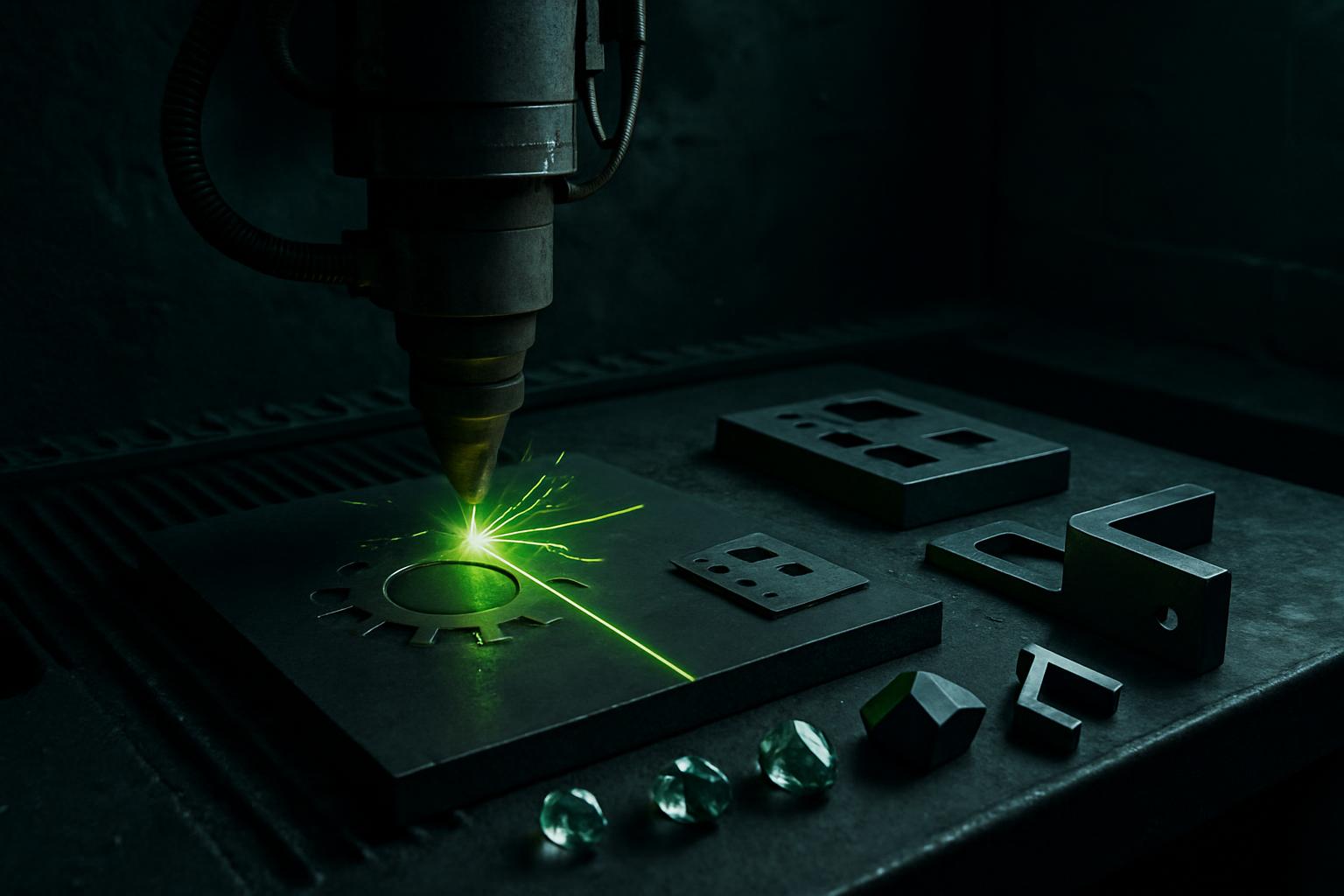
Jewellery makers and giftware workshops use fibre lasers for fine marking, deep engraving and light cutting on precious and base metals. Our systems suit both small studios and batch production.
Systems
Start with these systems
Precision micro
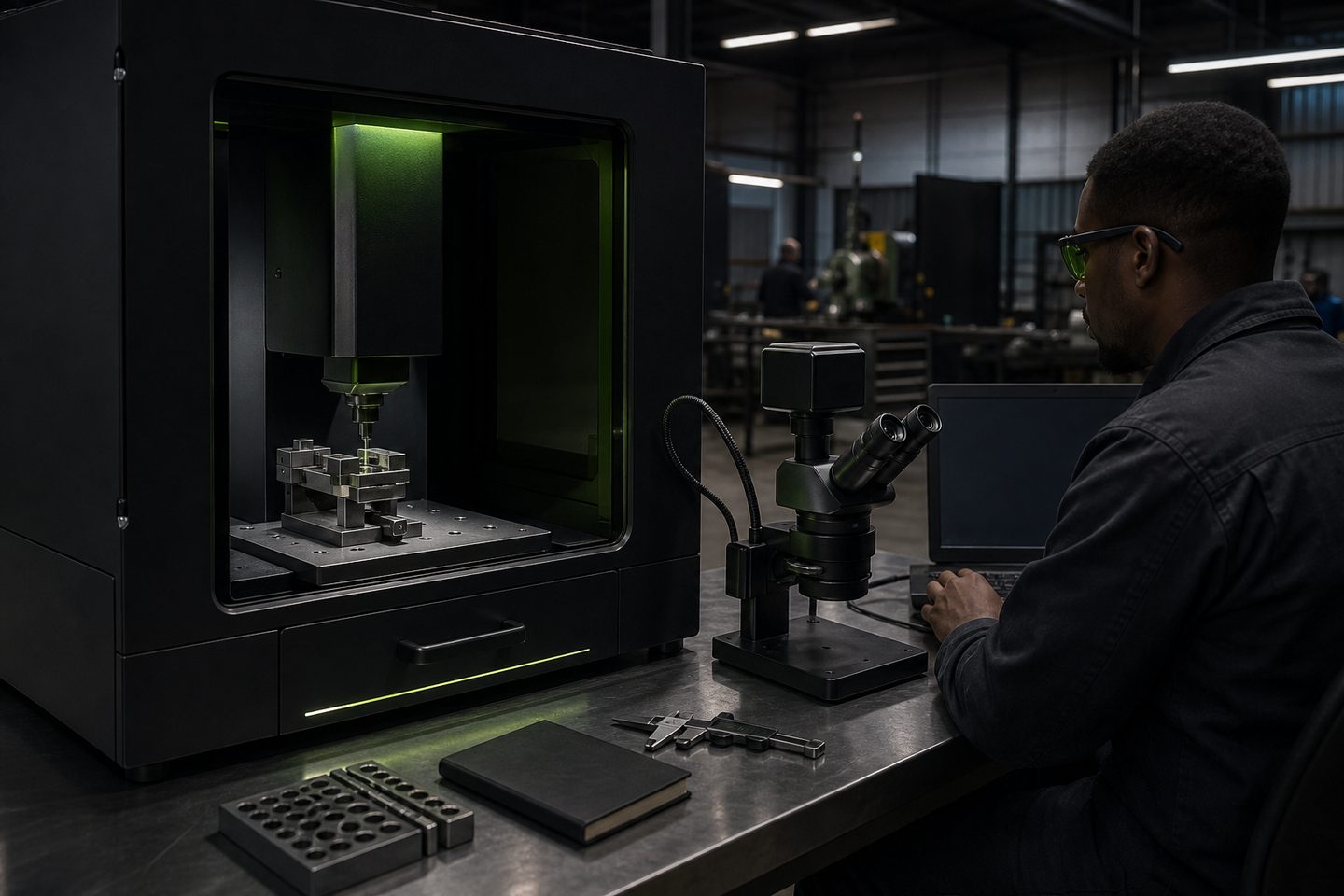
MicroMark Lab
Fine-feature fibre marking for medical, electronics, and jewellery work where character height and contrast are tight.
Explore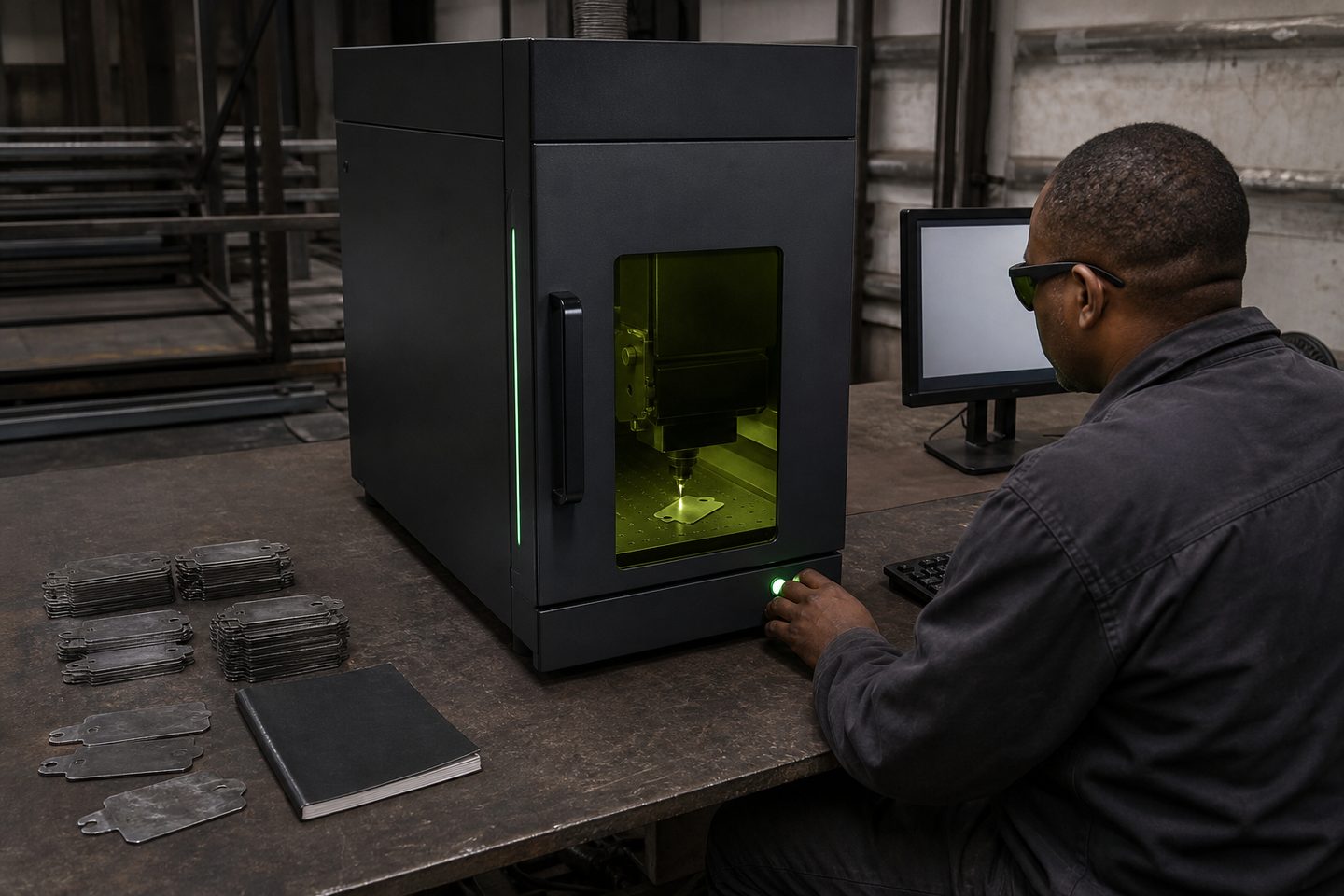
Desktop marker
BeamDesk Mini
A benchtop fibre marker for short runs, samples, and R&D cells that still need production-grade codes.
Explore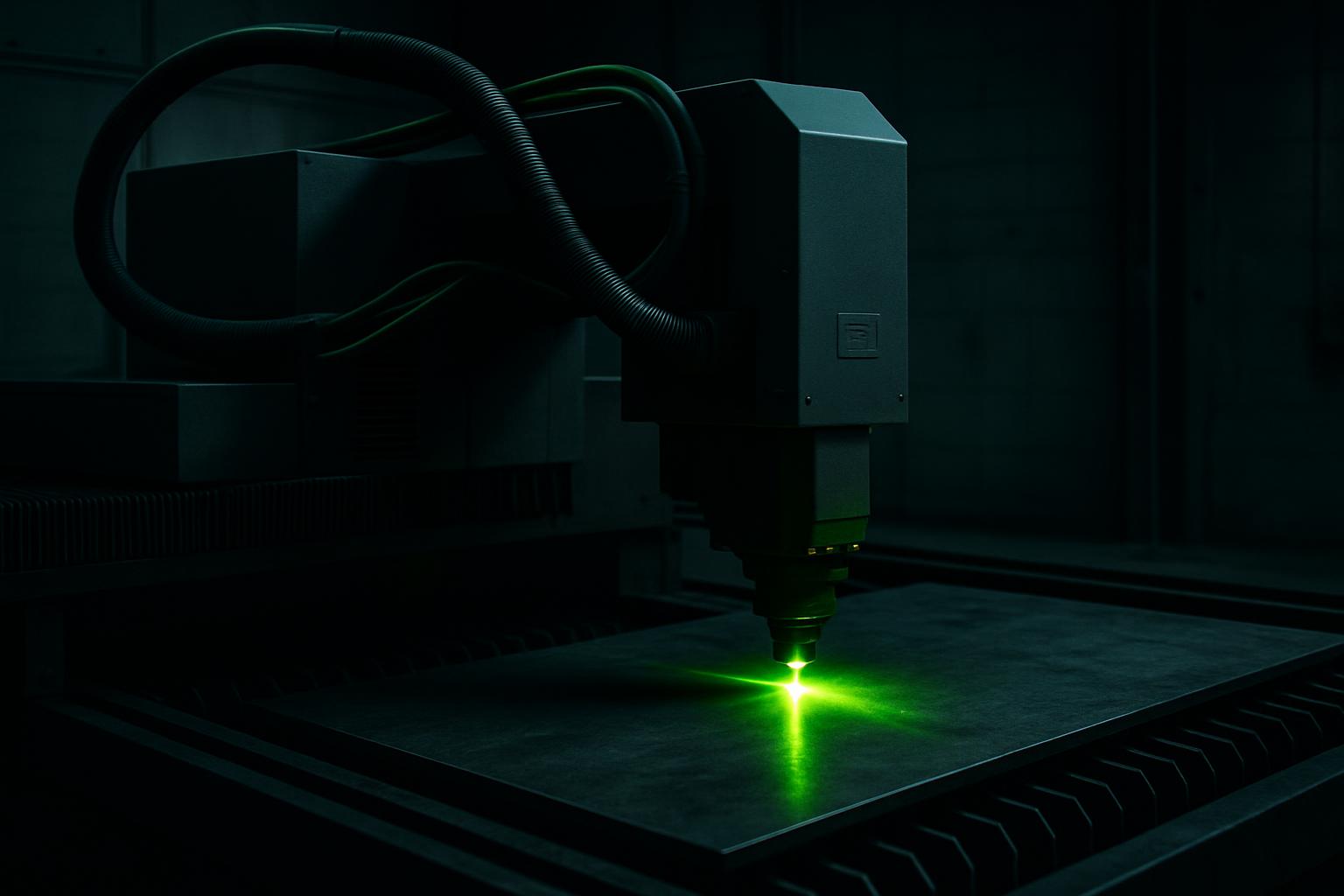
Fibre marking
Mark Pro 30
A compact fibre marking cell for durable serials, logos, and part identification on SA job-shop steel.
ExploreParts and metals common in jewellery and giftware
South African jewellers and giftware makers often work with gold, silver, platinum, and also more accessible metals like stainless steel, brass, copper and titanium. Personalised jewellery, tags, awards, fine cut-outs and engraved keepsakes are typical jobs.
Laser marking is used for text, serial numbers, logos, intricate patterns and security features. Fine cutting is usually for thin sheet or small shapes. Many workshops also process watches, medical chains, ID bracelets and commemorative gifts that need precise marks.
Systems that suit small parts and fine marks
For detailed work, our MicroMark Lab is ideal: it handles micro-marking and fine features on jewellery, medical and electronics parts. The optics are set up for character heights well under a millimetre, so you get sharp, high-contrast marks even on small pieces.
BeamDesk Mini is the benchtop option for short runs and R&D, giving you production-grade code and pattern marking without tying up floor space. For batch work and deeper engraving, Mark Pro 30 brings more power and a fully enclosed cell for safety and fume control.
All these systems are designed for rapid setups and easy switching between small jobs, which matters when your orders vary and quick turnaround is important.
How a typical marking or cutting job runs
Jewellery marking or light cutting starts with the design, usually from CorelDRAW, Illustrator or DXF files. Prepare the vector artwork with the required dimensions and specify the mark type: surface mark, deep engraving, or through-cut.
Set up the part in the cell or on the fixture. Focus the laser using the built-in probe or red guide. Select the right process recipe in the control software, check the preview and run a test on scrap or a sample blank before running production parts.
After marking or cutting, inspect the part under a loupe or microscope. Clean off any residue with a lint-free cloth or ultrasonic cleaner. For precious metals, check that no heat tint or excessive dross is present.
- Import design file and set mark area
- Fix part in place and focus laser
- Select recipe and run sample mark
- Inspect and clean finished parts
Common quality issues and how to avoid them
Out-of-focus marks cause blurry or uneven characters, while too much laser power can melt edges or leave a halo around the mark. Always check focus and run parameter tests on the actual alloy and finish you will be marking.
On silver and gold, overheating may cause firestain or dulling. Try pulse settings to keep the mark crisp without excess heat. If you see double lines or shadowing, check that the part is flat and secure. Dont forget to clean the protective window before each run; a dirty window lowers quality and can crack under high power.
What to send us for sample parts and support
When you want a test mark or sample cut, send us a few blanks of your actual material, ideally the same alloy, finish and thickness as your production work. Include your vector artwork or a clear brief showing the mark area, line width and required depth or contrast.
Let us know any special cleaning, safety or compliance needs (such as for medical or food contact). Our team at Sunnyrock HQ can run first-article samples and recommend settings, or you can book a demo at any of our regional bays by sending us a message through our contact form.
What our Fibre Laser customers say
Verified Google reviews
