
Cut
Electronics chassis
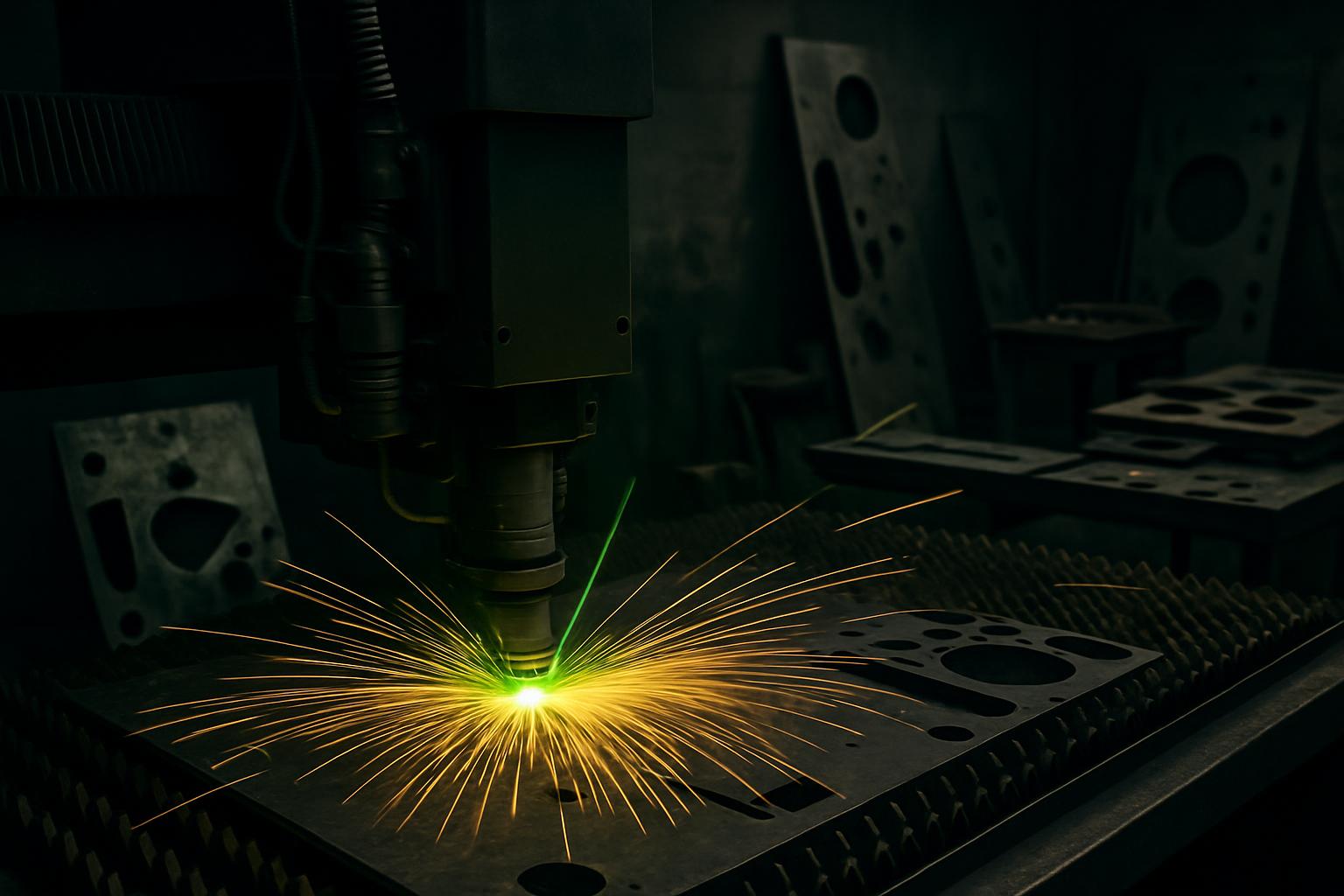
Fine cutting and micro marking are key for reliable electronics chassis, from single boards to small production runs. Fibre lasers give repeatability and clean edges on thin metals.
Systems
Start with these systems
Sheet cutting
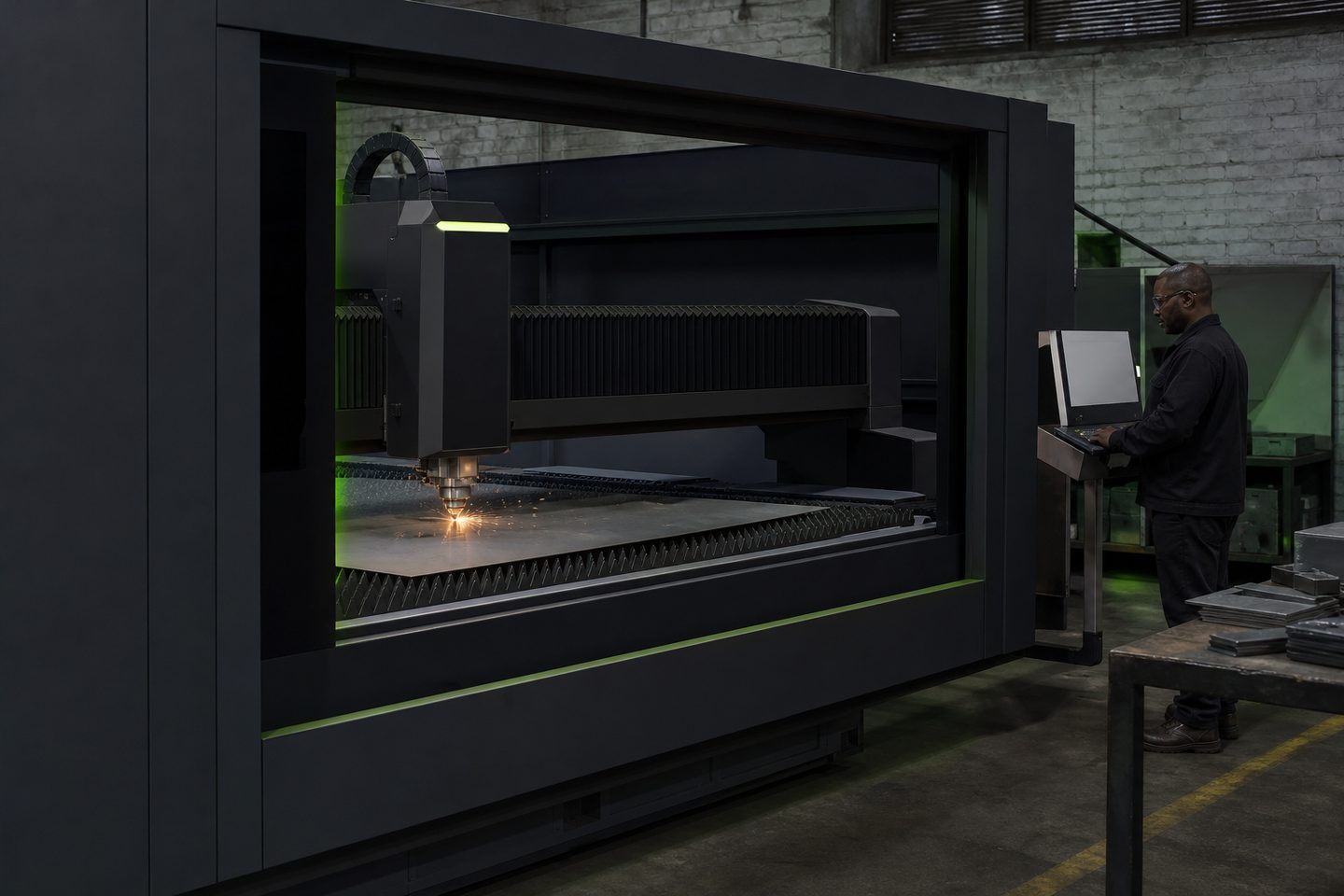
CutLine 1500
A production-ready fibre laser platform for sheet-metal work and repeatable cut quality on Gauteng floors.
Explore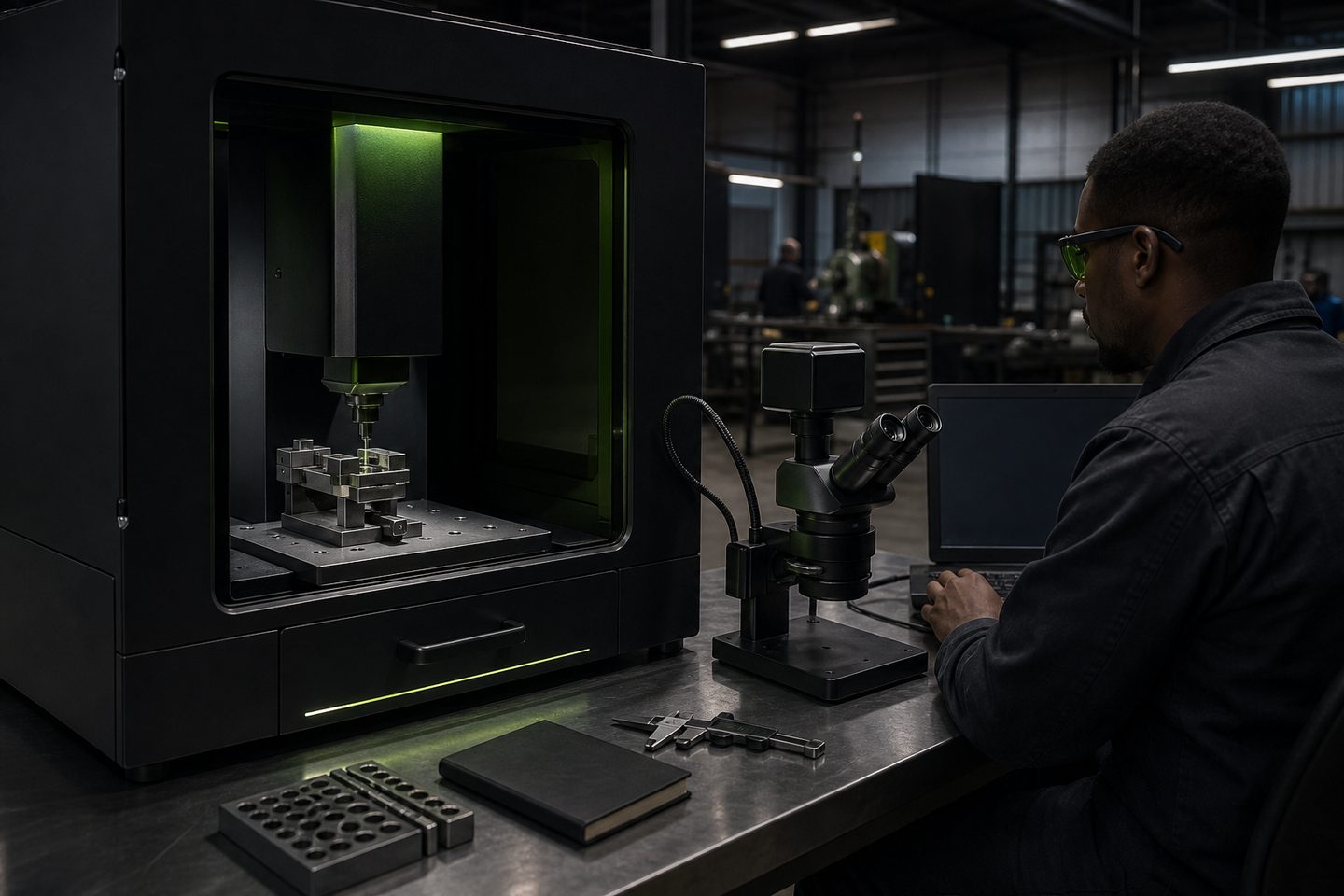
Precision micro
MicroMark Lab
Fine-feature fibre marking for medical, electronics, and jewellery work where character height and contrast are tight.
Explore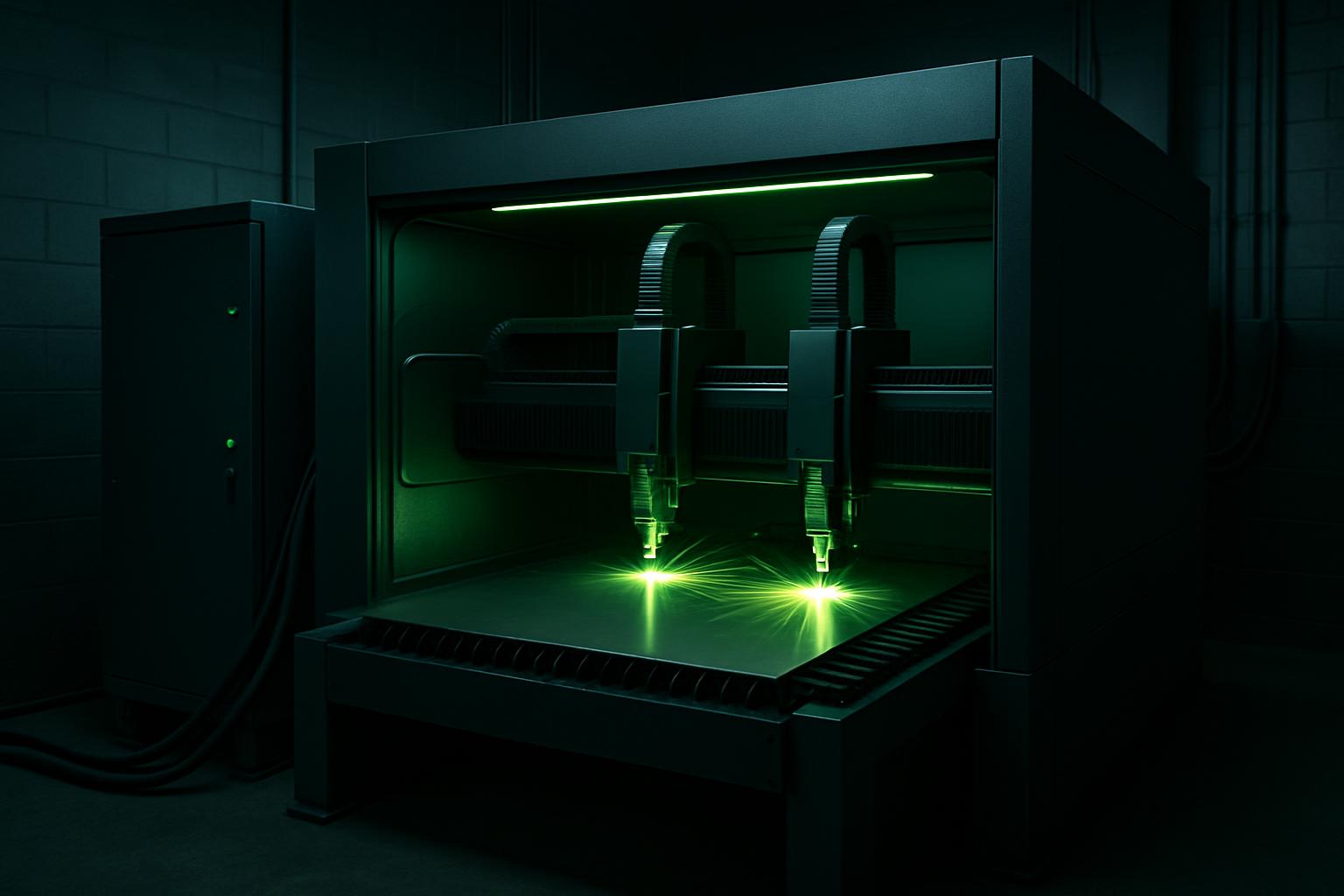
Dual head
DualHead Mark
Two marking heads on one cell for high-mix lines that need both flat and rotary marks without constant changeovers.
ExploreMaterials and parts found in electronics chassis work
Electronics chassis and enclosures in South Africa are mostly made from thin gauge stainless steel, aluminium, and sometimes mild steel or coated brass. Sheet thicknesses usually sit between 0.5 and 2 mm, with features such as vent slots, mounting holes, and detailed cut-outs for PCB connectors and displays.
These assemblies often need precise cut edges that won’t cause shorts or burrs, and tight tolerances for fitting components. Marking for product codes, serial numbers, and logos is common, especially on control panels and backplates.
Choosing the right systems for electronics chassis
For thin sheet cutting, the CutLine 1500 stands out on Gauteng floors and beyond. Its class-leading accuracy makes it ideal for electronics enclosures and internal brackets where every millimetre counts.
For micro marks, such as high-contrast identifiers or fine logos, MicroMark Lab delivers repeatable, small feature marking on metals and coated surfaces. Where there’s a mix of flat and rotary work, like marking connectors or housing rings, the DualHead Mark cell handles both without lengthy setup changes.
How a typical electronics chassis job runs
Most jobs start with a CAD drawing showing all cut paths, hole sizes, and any marking locations. Here’s the usual sequence for electronics chassis work:
- Check and clean the sheet material, removing any film or oil
- Import the drawing into the SheetNest Pro software and prepare the nest
- Confirm assist gas: nitrogen for stainless or aluminium, or clean dry air for thin mild steel
- Set up the CutLine 1500, checking lens and protective window
- Run a test cut on scrap to dial in focus and edge quality
- For marking, upload graphics to MicroMark Lab or DualHead Mark and set the correct marking recipe
- Inspect cut and mark quality under magnification, then deburr and final clean before assembly
Preventing quality problems in chassis cutting and marking
Typical issues include micro burring on cut edges, heat tint or warping on thin aluminium, and faint or uneven marks. These usually come from running too fast, dirty optics, or using the wrong gas pressure.
To avoid problems, always check the protective window daily, and keep your focus height in spec. Use local exhaust extraction, zinc fume and fine dust are a real risk in small bays. Its easy to overlook a dirty lens, but it will quickly spoil mark contrast and sharpness.
What to send us for sample electronics parts
For a sample cut or mark, send us your DXF or step file showing all cut and mark details. Please include material type, thickness, and any surface finish or coating info.
If you need a specific mark, such as a Data Matrix code or logo, attach the artwork or show it in your drawing. You can send us a message through our contact form to arrange a first-article review at Sunnyrock with Ms Kelebogile Nxumalo.
What our Fibre Laser customers say
Verified Google reviews
