
Beam notes
First-article marking habits
When marking the first serial on a batch, you set the standard for the entire run and shift handovers. Here’s what to log so the next operator can pick up smoothly.
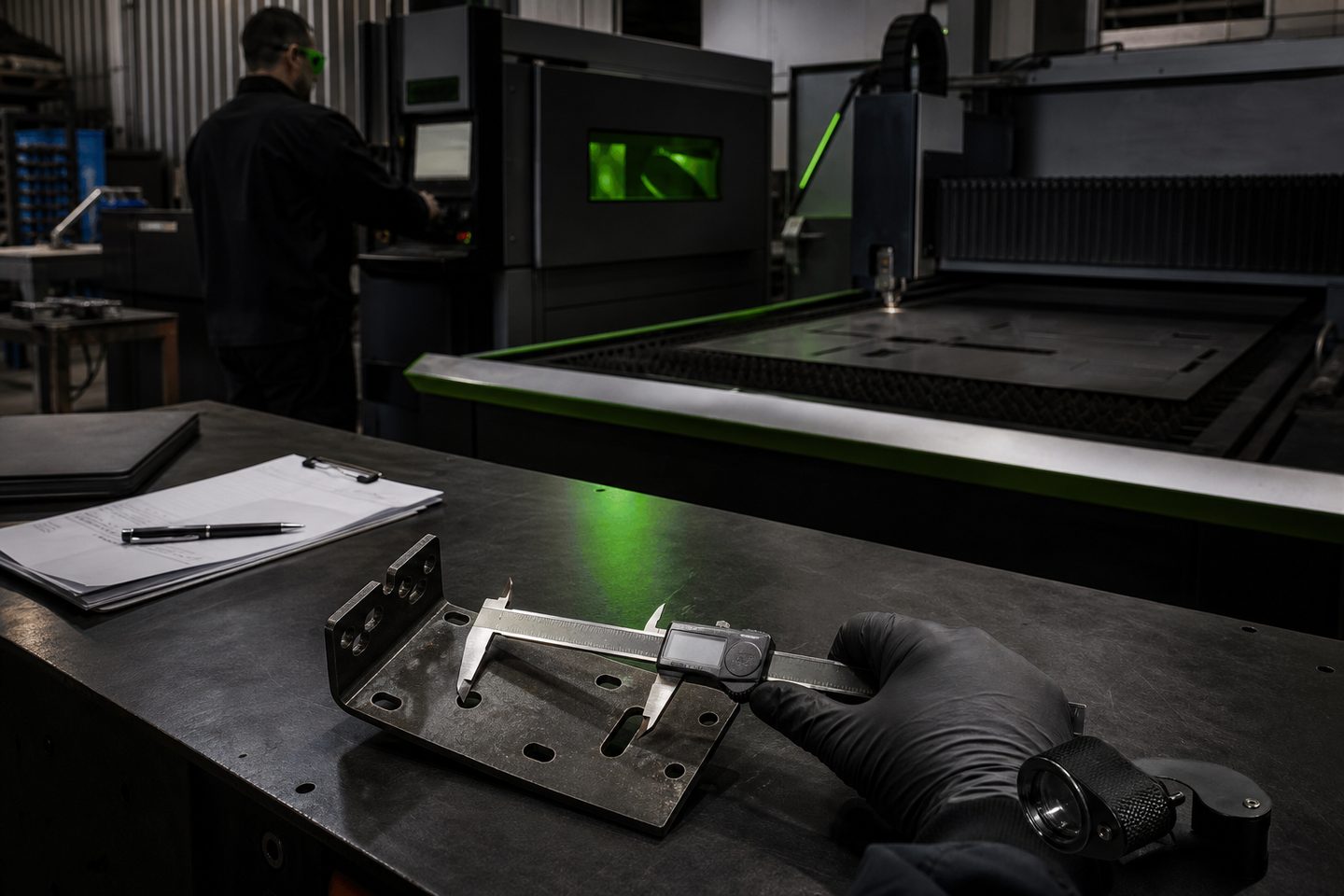
Where first-article marking falls apart
In most South African workshops, especially when shifts overlap or run late, it only takes one missing detail on the first marked serial to throw off the entire batch. The second shift arrives, finds half-marked parts, and has to guess the parameter set, fixture position, or even which side of the part faces up.
This usually leads to mismatched batch marks, rejected work from clients, or, at worst, having to rework or scrap expensive parts. Without a clear record of the first-article setup, even the best marking cell can’t protect you from handover gaps.
What we have learned about keeping marks consistent
The first-article mark is where you prove your settings are right: laser power, scan speed, focus height, marking path, and any code data. If you tweak parameters to get a readable Data Matrix code on stainless or need to change the air assist for brass or aluminium, those decisions must be logged.
Fixtures often move a few millimetres between jobs, especially if you share a BeamDesk Mini or FieldMark Portable between different parts. If you don’t note down the fixture stop points or the rotary axis angle, the next person may spend half their shift re-zeroing instead of marking parts. A clear photo of the setup can be as important as the PDF of the marking recipe.
A shift that nearly lost a full day
Not long ago, a client in Germiston was batch-marking stainless tags for a mining site with a Mark Pro 30. The morning shift had dialled in the annealing settings for clean, dark marks but left only a sticky note about the fixture and no mention of which barcode data file was current.
When the afternoon team took over, they spent over an hour matching the mark shade and had to scrap the first ten tags due to the wrong code sequence. Once we worked with them to keep a first-article log, settings, fixture photo, and data file reference, batches stayed consistent, and handovers sped up.
The handover log for first-article marking
To make sure your marks match from part one to the end of the batch, we suggest you log these details every time you start a new job or shift:
- Laser settings used (power, speed, frequency, focus position)
- Fixture position (with a photo or diagram if possible)
- Part orientation and clamping detail
- Assist gas type and pressure, if used
- Data file name or barcode sequence start point
- Any special notes (e.g. required mark depth, anneal colour, pass count)
When to contact us for support
If your marks are inconsistent from shift to shift or you’re not sure which settings to log for your material, we can help you set up a practical first-article procedure. If you’ve had marks fail inspection due to poor contrast or code grading, send us a message through our contact form.
We can also help review your fixture design, marking recipes, or Data Matrix code setup, either at Sunnyrock HQ or by working with your team on-site. Hand us your marking problem before it costs you another batch.
