
CutLine 1500 fixtures
A fixture or clamp on your CutLine 1500 sets the tone for every cut and the finish you achieve. Good workholding is the key to repeatable, clean results.
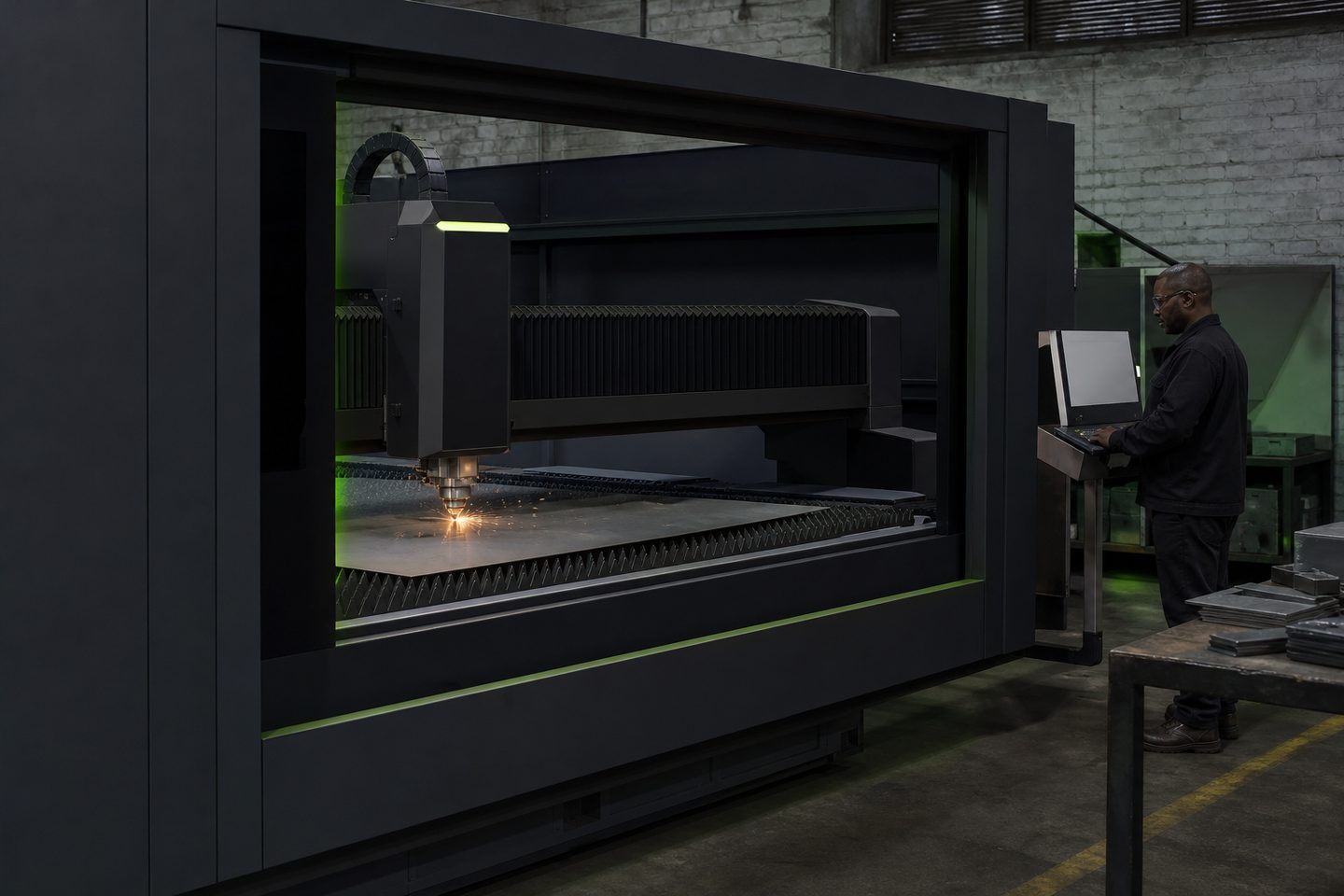
Browse materials, jaws, straps, and rotary kits.
- Flat fixture cues
- Rotary / clamp limits
- First-article photo notes
Also see beam notes and projects.
Why fixturing is critical for repeatability and quality
Fixturing does more than just hold a sheet in place. It decides edge accuracy, hole position, and how reliably you can repeat a job. Poor workholding can mean vibration, lost focus height, edge marks, or even scrap. A secure fixture makes the most of the CutLine 1500’s precision and gives the edge quality you quote to customers.
In South African shops, sheets are often not perfectly flat or square. Fixtures compensate for stock variation and keep sheets still during rapid moves or piercing. Reliable clamping also means consistent referencing for SheetNest Pro and correct transfer of nest settings to the real job.
Fixture types that work for CutLine 1500 jobs
CutLine 1500 runs best with a mix of basic and job-specific fixtures. Slotted nesting beds or plates help line up sheet edges and provide support under small parts. Quick-action toggle clamps, cam locks or manual edge stops keep sheets flat and steady.
For jobs that need holes or cut-outs right to the edge, removable fingers or spring clamps let you reposition mid-job without disturbing the nest. If you’re running thin or oily stock, anti-slip pads add grip. For simple repeat work, basic magnetic clamps or sacrificial straps often do the job. Rotary or tube cutting jobs move to the TubeCut R8, but for small notches or tabs on flat bar, a simple bench-mounted vice can be enough.
- Slotted nest plates for general sheet work
- Quick-action toggle or cam clamps
- Adjustable stops for repeat jobs
- Removable fingers for edge access
- Non-slip pads for oily or thin sheet
How to set up and check a fixture for a first article
A good fixture setup keeps the sheet tight, clear of moving parts, and lets you reference the nest accurately. Always run a first-article check before full production, preferably with Ms Kelebogile Nxumalo or your application lead present for critical jobs.
The steps below help you avoid operator surprises and reduce the risk of waste, rework or injury.
- Inspect the nest plate and remove loose debris or dross
- Position clamps so they do not block the head path or nozzle
- Check sheet alignment with stops or edge markers
- Test clamp tightness: the sheet must not shift by hand
- Run a dry cycle with the laser off to confirm movement clearance
- Check extraction is on and clear before starting the cut
Common fixture faults in autofeed cutting and how to prevent them
A loose or badly placed clamp often causes more problems than an unfixtured part. The most common mistakes are over-tightening (which distorts thin sheet) and under-tightening (which lets sheets slip or vibrate). Never place a clamp, strap or finger where the cutting head might collide, and always check for toolpath clearance in SheetNest Pro.
Do not clamp over cut lines or pierce points. This risks tool crashes, part movement mid-cut, and visible edge marks. If you see repeat cut quality problems, check for dirty or damaged nest plates and make sure fixture parts are not collecting dust or fume deposits. Routine checks and simple fixture logs help avoid these basic errors.
- Do not clamp over cut lines or pierce points
- Avoid over-tightening on thin or soft material
- Keep clamps clear of the head path and nozzle
- Clean nest plates and clamps regularly
- Log fixture setups for repeat jobs
What our Fibre Laser customers say
Verified Google reviews
