
Cut
Sheet metal job shops
Fibre laser cutting gives Gauteng and coastal job shops a way to tackle mixed-gauge, small-batch and nested sheet metal work with accuracy and clear traceability.
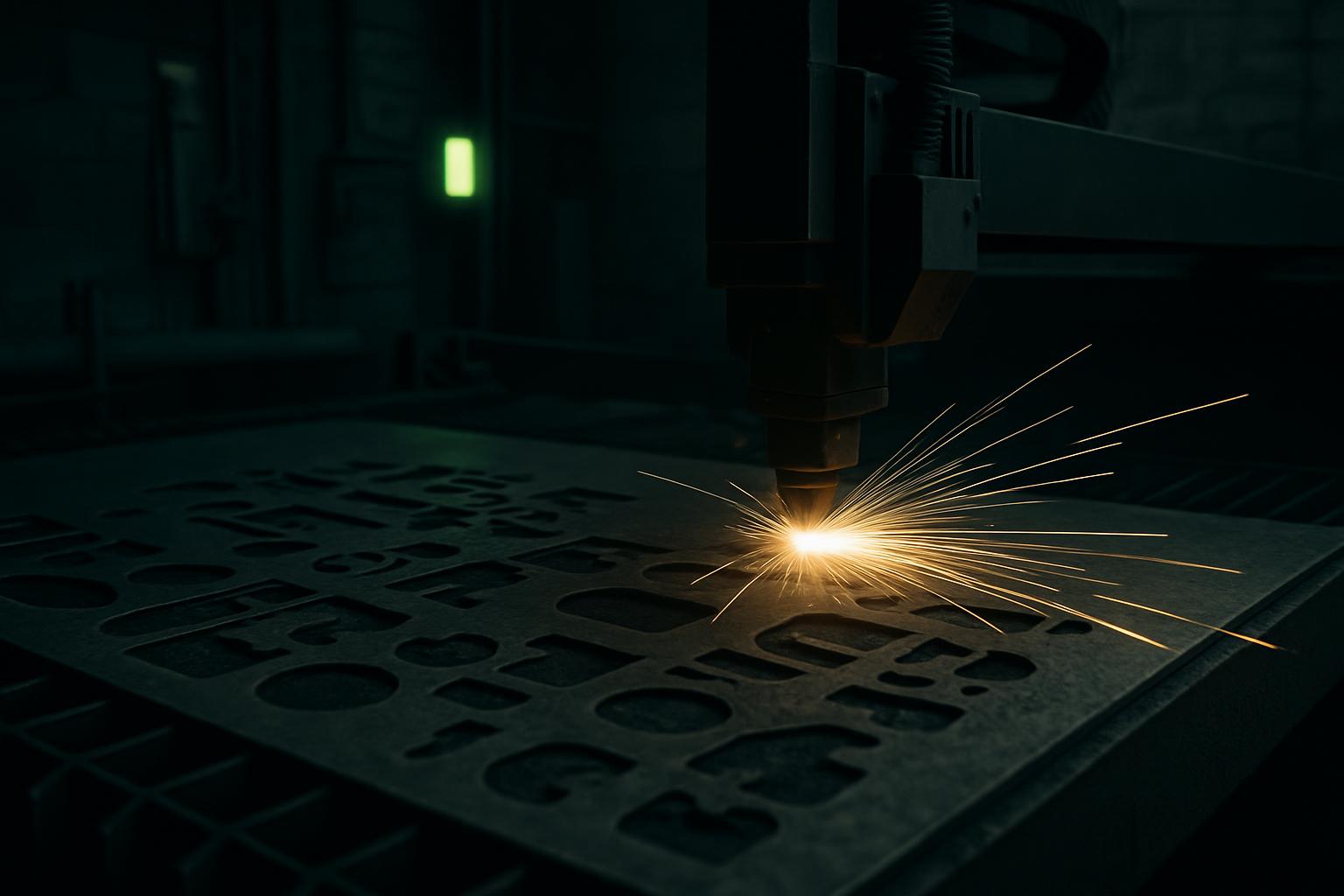
Systems
Start with these systems
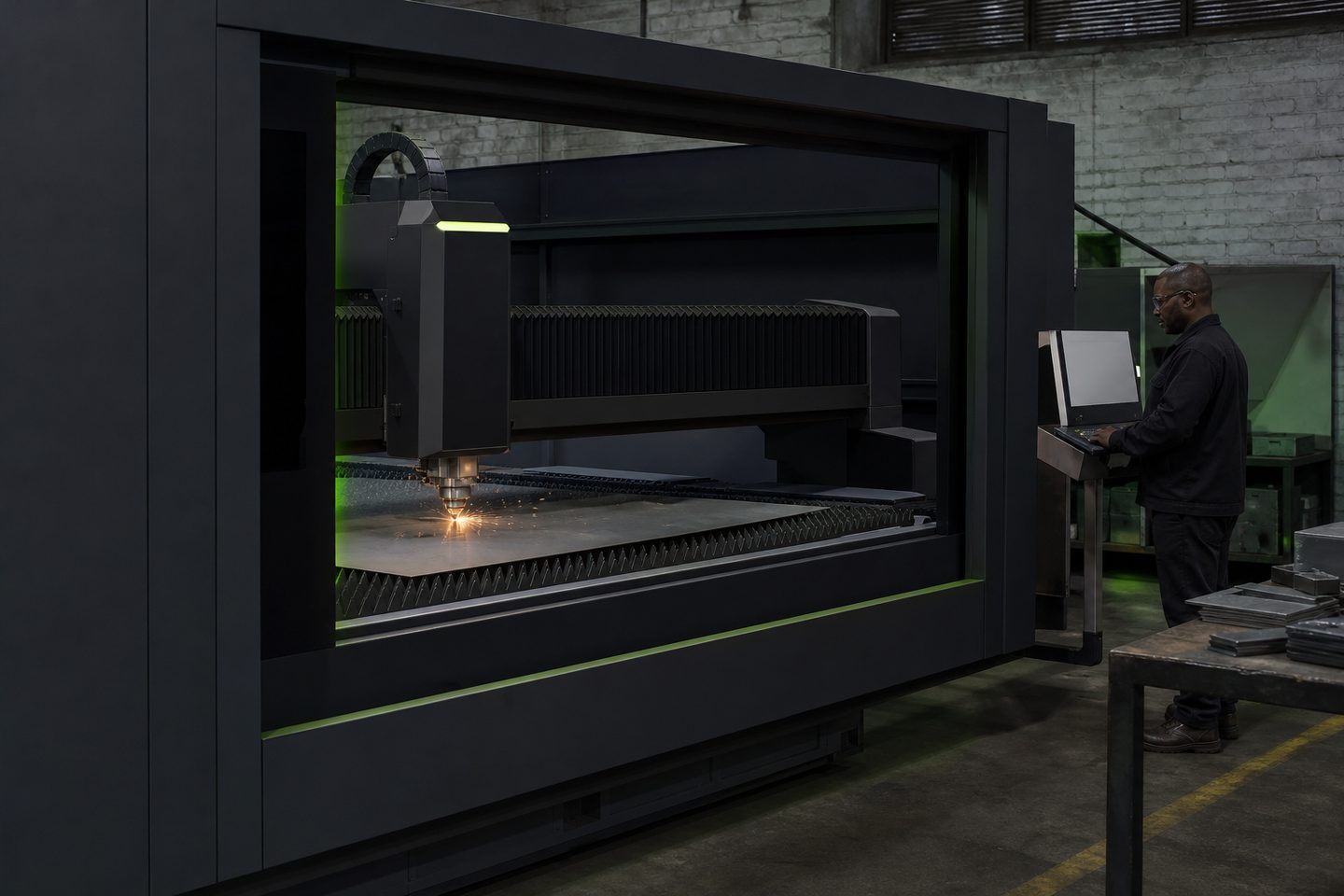
Sheet cutting
CutLine 1500
A production-ready fibre laser platform for sheet-metal work and repeatable cut quality on Gauteng floors.
Explore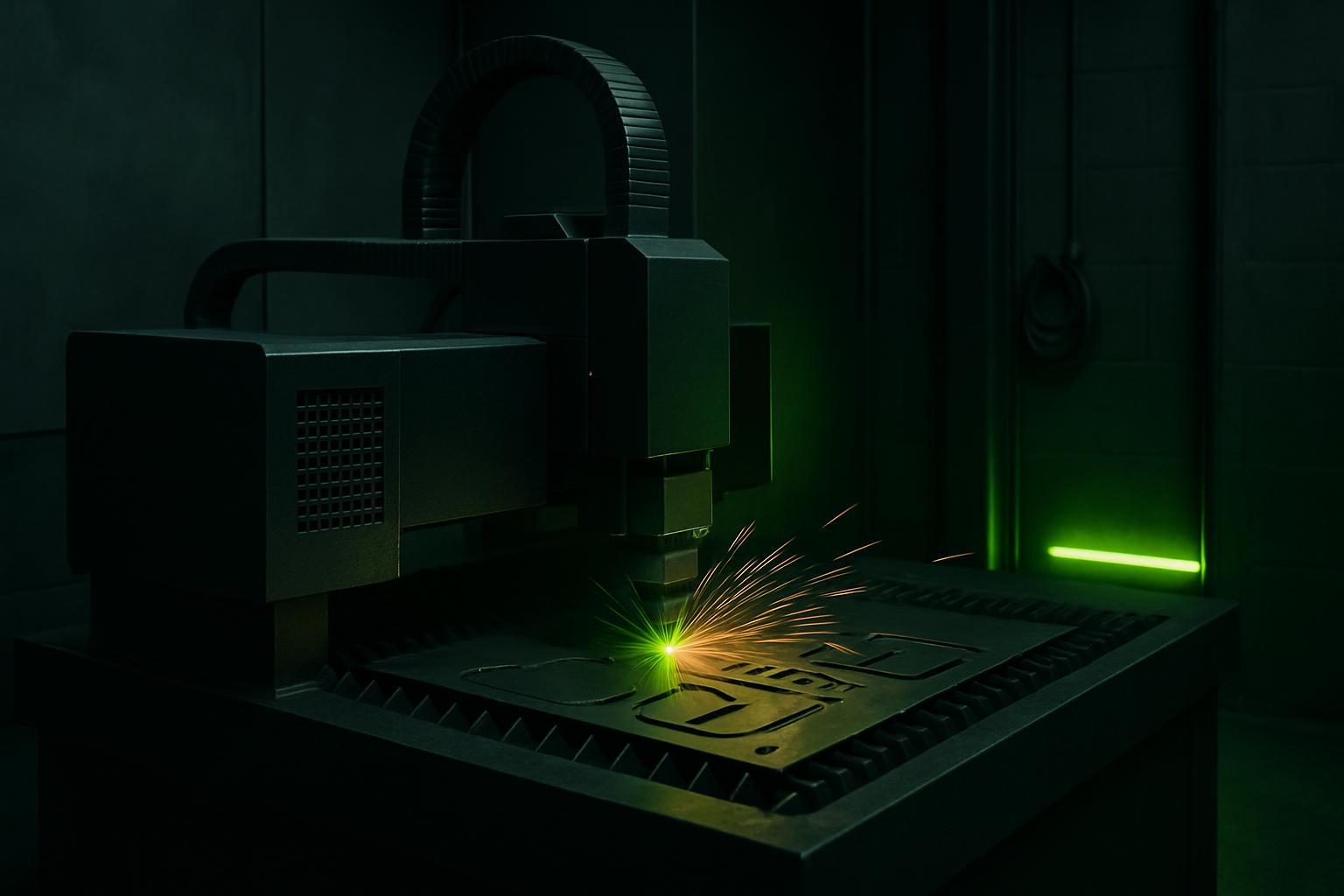
Nesting software
SheetNest Pro
Nesting software and nest briefs paired with CutLine cells, so scrap, pierce order and remnants stay under control.
Explore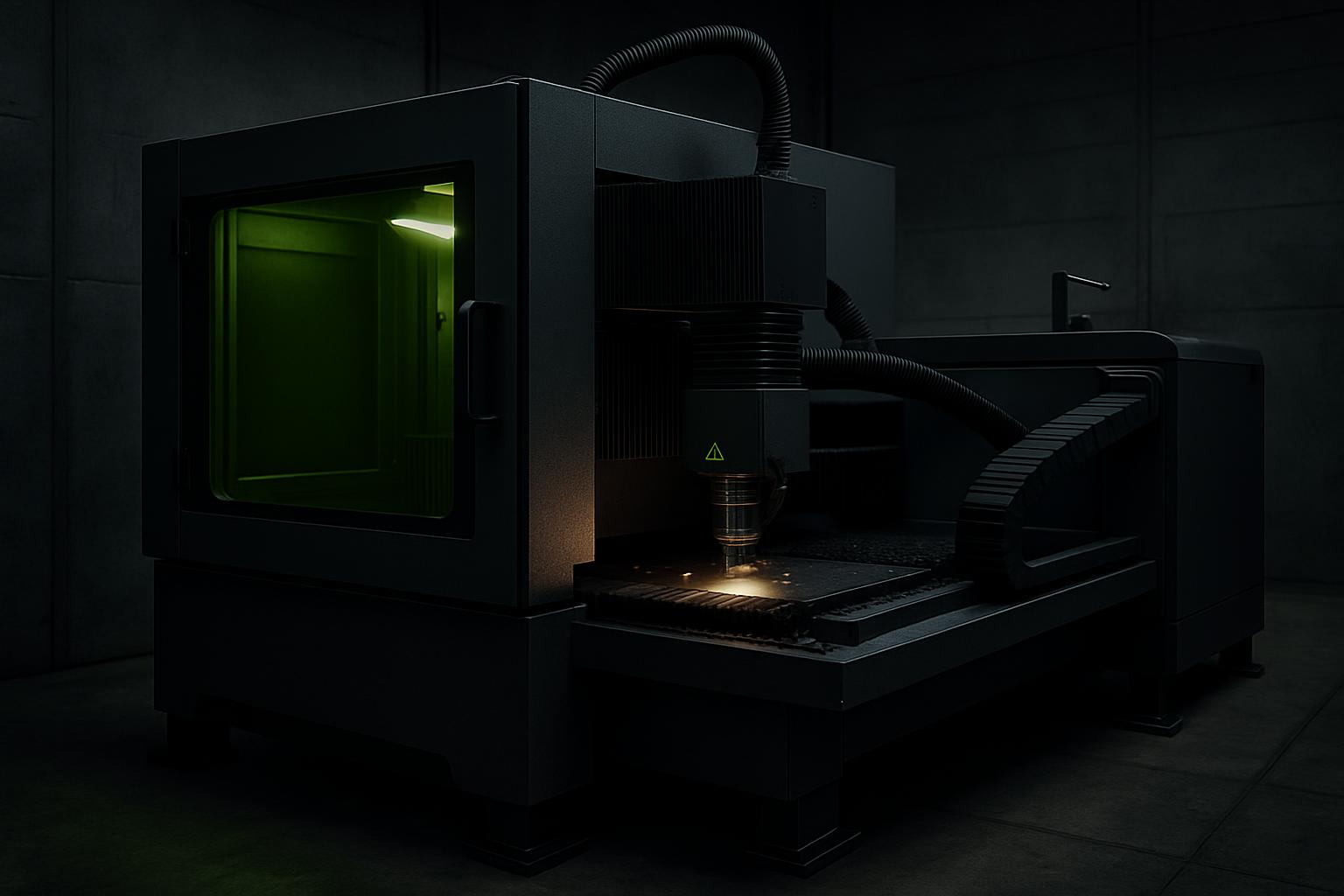
Auto feed
AutoFeed Cut
Automatic sheet loading for CutLine cells, so longer nests run with fewer manual sheet changes.
ExploreCommon parts and materials in job shops
Job shops in South Africa handle everything from mild steel brackets and stainless machine panels to aluminium signage blanks and small-run chassis parts. Sheet thickness typically ranges from 1 to 8 mm, sometimes including galvanised or pre-painted stock, especially for ducting, enclosures or control panels.
Clients often bring in mixed batches, offcuts, or require tags on remnants for traceability. A lot of shops in Joburg and on the coast switch between grades like 304 and 316 stainless, or need quick changeovers between coated and uncoated mild steel. Knowing the source and finish of each sheet helps avoid cross-contamination and quality issues.
The right fibre laser systems for sheet work
The CutLine 1500 is well-suited to job shops needing reliable, repeatable cuts on varying sheet sizes and gauges. Its 1.5 kW class source handles a wide range of metals found locally, while the 1500 mm bed is a practical size for mixed and remnant nests.
SheetNest Pro works with CutLine to build nests that maximise sheet usage, tag remnants, and control pierce order, key for jobs with mixed gauges or urgent repeat work. Adding AutoFeed Cut takes manual sheet handling out of longer nests, reducing downtime and risk of damage on thin or surface-finished stock.
How a typical sheet metal job runs
Most jobs start with a DXF or STEP drawing. The process runs in these basic steps:
- Import drawings and confirm sheet specs (grade, thickness, finish)
- Nest parts and label remnant areas in SheetNest Pro
- Set assist gas and check extraction for the metal type
- Load sheet on CutLine, check for clamps and flatness
- Run a pierce test if changing gauge or material
- Start the cut, monitor for edge quality and smoke extraction
- Tag and offload parts and remnants as per brief
- Inspect edges and finish, especially on powder-coated or stainless jobs
Preventing typical quality problems
We see jobs delayed for rough cut edges, hard dross, or oxide layers that affect coating later. These usually come from incorrect focus height, worn protective windows, or the wrong assist gas. Nitrogen gives a bright, oxide-free edge on stainless and aluminium, while oxygen on mild steel leaves an oxide layer that should be removed before painting.
Incorrect or dirty extraction causes pitting on stainless and sooty marks on aluminium. Always check the extraction is working and filters are clean. Dont forget to wipe the protective window daily, a dirty window can lead to poor cuts and even a cracked optic if missed.
What to send us for sample work
If you want to test a part, send us a DXF or STEP drawing with the material spec, preferred assist gas, and any special finish or marking needs. For remnant tagging, note if you want QR or Data Matrix codes for traceability.
Mention if you work with galvanised, painted, or stainless steel, and supply a short run order size so we can nest your sample realistically. Use our contact form to send your brief and one of the team will get back to you to set up a sample at Sunnyrock HQ.
What our Fibre Laser customers say
Verified Google reviews
