
Beam notes
Takt notes for mark cells
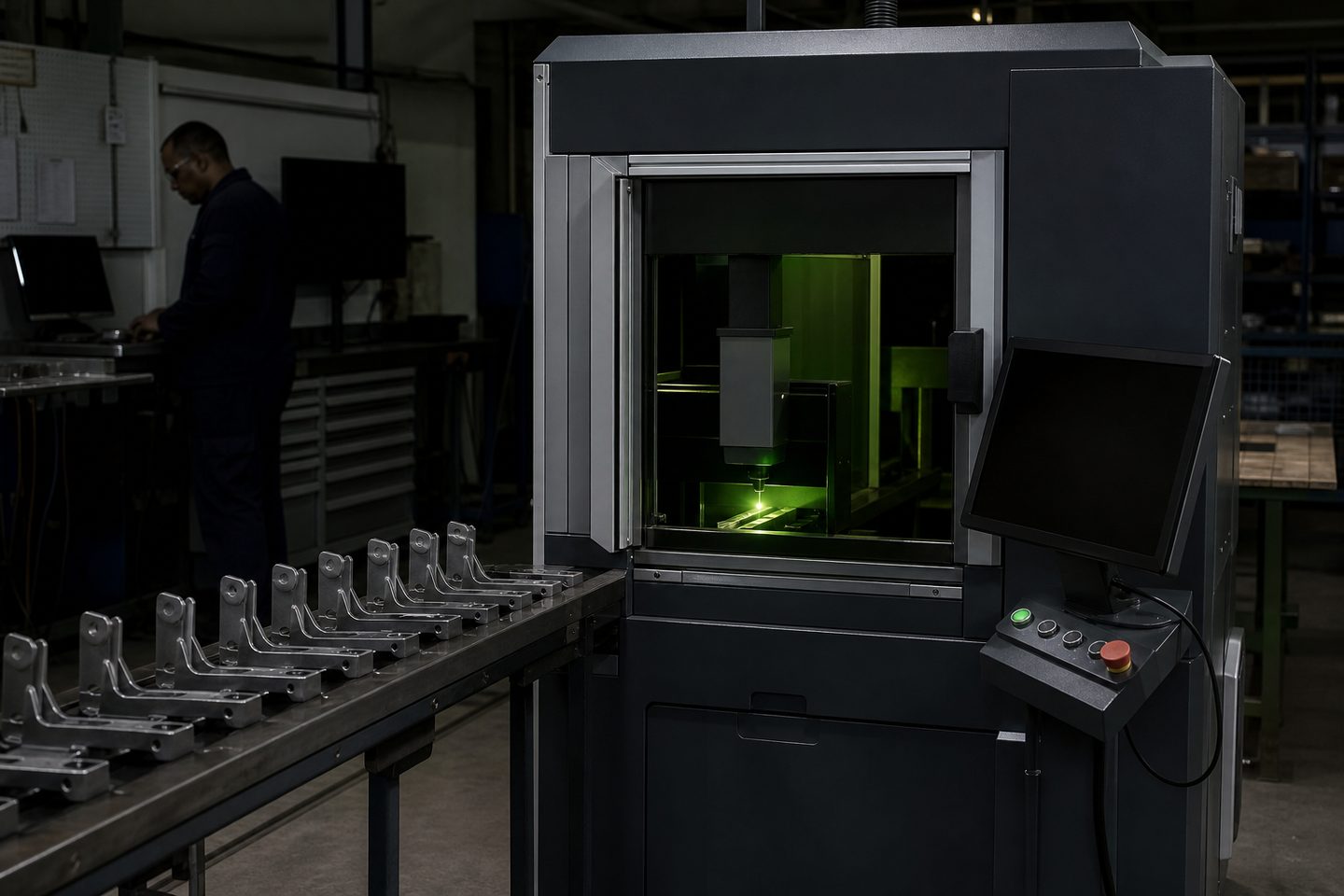
Running a fibre mark cell for automotive parts needs routines that survive shift changes, bulk orders and changeovers. Here’s how we keep things steady in real SA workshops.
Where the real pressure shows up
On a Joburg or Durban floor, automotive marking cells face more than just batches of ABS and stainless. You’ll have a mixed crew, a new spec every so often, and a supervisor asking for proof that every brake bracket, cam cover or bushing batch is tracked, readable and in spec.
The real strain shows when you do changeovers: the settings for a fuel rail are not what you need for a painted tag, and your operator may swap from one cell to another, mid-shift. If the routine is not clear and strong, mistakes creep in, wrong depth, missed logo, faded code, or marks that fail on rework. It’s the kind of mess that only shows up when the customer calls you back a few days later.
What we have learned from real jobs
Every time we run a first-article test at Sunnyrock, I see the same risk: the mark spec lives in someone’s head, or scribbled on a file, but the cell is rebooted and the last settings are lost. If it’s a Mark Pro 30 or DualHead Mark, the saved job files and recipe cards matter more than fancy software. We have learned to print or post the exact mark parameters at the cell, not only rely on a USB stick or a memory. For automotive, even small variations in focus height or scan speed can knock a Data Matrix code from Grade B to unreadable.
Fixtures are the other place routines fail: a jig for a flat plate may not hold a curved chassis part steady, and a loose fit means the code lands skew or double. On changeover, always double-check that the fixture matches the part drawing and is clean. It’s boring work, but the wrong fixture or a dirty lens has cost shops whole weekend runs. You cannot skip optics: check the protective window and clean out dust every shift.
One job that showed us why routines matter
On a contract for a Gauteng automotive supplier, the team had to mark both stainless VIN plates and painted steel brackets, back to back. The first morning went well, but by the afternoon a new operator loaded a previous job file without swapping the gas and fixture. The result: light, patchy marks on the painted brackets, and a batch rejected by QC.
After that, the client kept a printed sheet with mark settings on the cell, and made sure that every shift checked the right fixture and optic. They never lost a batch to marking errors again.
Routine steps that keep your marks in spec
These steps help keep your mark cell output steady, even with changing staff and runs. Make them part of your daily start and every changeover.
- Print and post mark settings for each product and material at the cell
- Check and clean the protective window under the marking head every shift
- Always confirm the correct fixture is fitted and aligned before starting
- Test and inspect the first part of each batch for mark depth and code readability
- Use extraction: fumes from marking coated or galvanised parts are hazardous
- Save job files with clear names and a backup on a secure drive
When to ask us for help or a review
If you’re losing time on changeovers, can’t get a code to scan, or your mark depth isn’t holding up in paint or wash, it’s time to call in help. We handle first-article reviews, fixture fixes, and settings that work for tough alloys and coated parts.
Send us a message through our contact form if you want a routine that stands up to real shop floor shifts, or if you need a marking system set up for a new part or spec. We’ll organise a review at Sunnyrock, or if you’re in Durban, Cape Town, Gqeberha, Bloemfontein or Mbombela, at one of our showroom bays.
