
Beam notes
Sensors that tell the truth
Sheet-present sensors keep your fibre laser’s nest running smoothly, but false readings can cause downtime and wasted material. Here’s what we’ve seen on real shop floors.
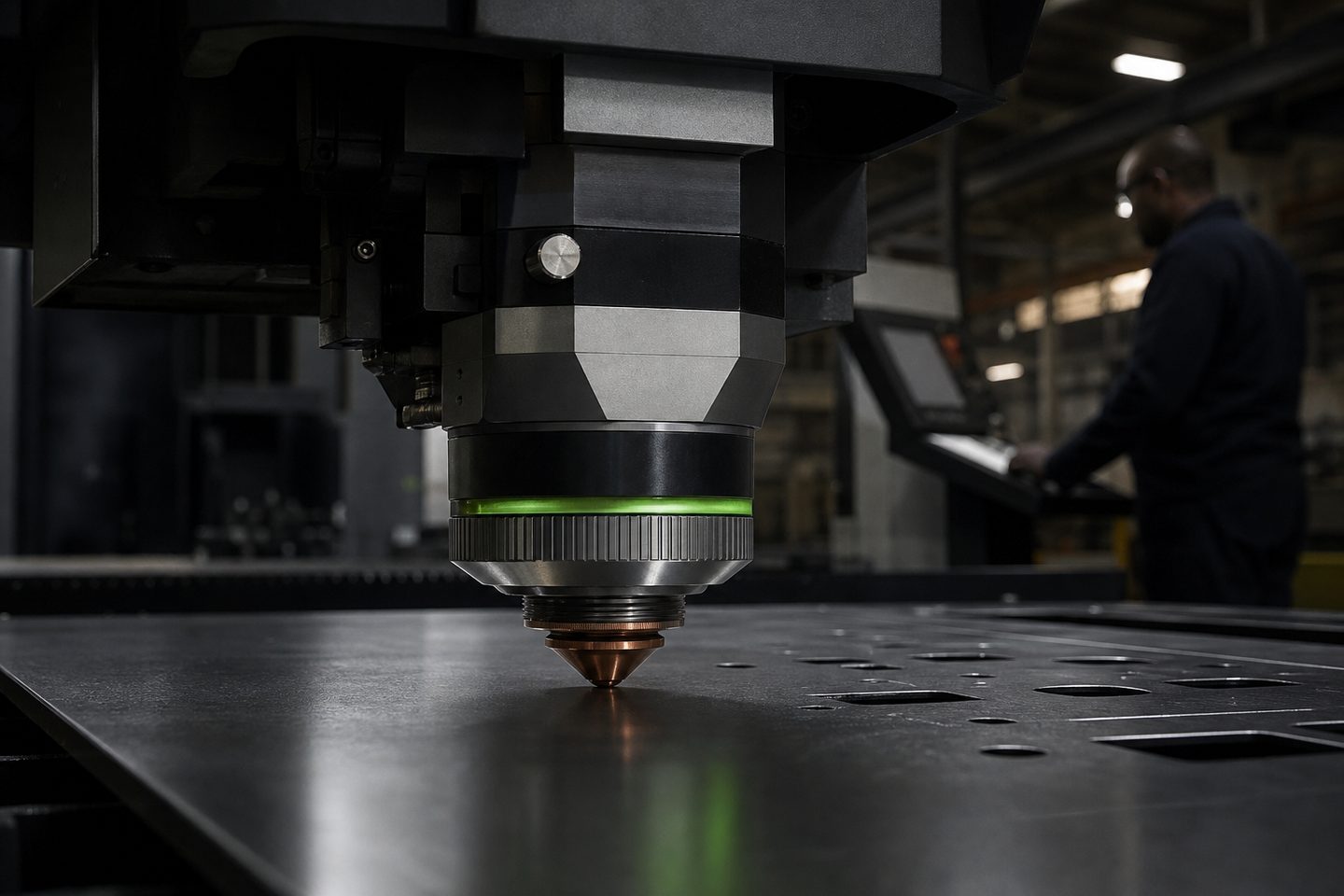
What can go wrong with sheet-present sensors
On a typical Highveld workshop floor, the sheet-present sensor is a small detail that can stop production cold. If the sensor misreads, your CutLine 1500 or PlateGate XL might think there’s a sheet where there isn’t, or miss that a sheet is in place, causing skipped nests or head collisions.
False positives can come from dust, stray offcuts, or even the shiny surface of a stainless or aluminium sheet reflecting in a way that tricks the sensor. When you’re pushing to finish a run, it’s easy to think the issue is a jam when it’s actually a sensor giving bad info.
What we have learned from real jobs
We’ve seen that keeping sensors clean and aligned is more important than chasing fancy upgrades. Most fibre laser bed sensors use a basic optical or proximity setup, if you let dust, oil or slag build up, detection goes unreliable fast.
We always check the sensor’s mounting bracket for vibration or flex. Over time, welding spatter, knocks from loading, or even a hard sheet drop can put it out of line. It’s tempting to skip the daily wipe-down or alignment check when things are busy, but that’s usually when you get the one job where the sensor trips up and you dont realise until three blanks in.
A story from a workshop in Germiston
A customer running a batch of mild steel on a CutLine 1500 called us after a few odd cut paths. Their sheet-present sensor kept flagging empty, but the bed was loaded. The issue turned out to be a stray offcut wedged under the sensor arm, throwing off its reading.
Removing the offcut, cleaning the sensor window, and re-seating the bracket fixed it. They now do a visual check every morning, which has saved them more than one mis-nest since.
How to keep your sensors telling the truth
You can avoid most sheet-present sensor hassles with a few practical habits. The following steps have worked for workshops using both manual and automatic loading setups.
- Wipe the sensor lens or face daily, before the first cut
- Check for loose or bent brackets (especially after a hard sheet load)
- Remove any offcuts, slag or debris from the bed area
- Test the sensor by hand with a known-good sheet before starting a new nest
- Log any sensor faults or odd readings in your shift book for follow-up
When to ask for support
If you’ve tried the simple checks and your sensor still misreads, or if your auto-loader gives inconsistent results, send us a message using our contact form. Photos of the sensor and the affected bed or loader arm help us give you quick, relevant advice.
For CutLine, PlateGate XL and AutoFeed Cut setups, we can arrange a remote or on-site review. It is easy to overlook a small alignment or wiring fault in a hurry, so don’t leave it until you lose more material or time.
