
Resource
Mark recipe card
This free recipe card is a practical one-page guide for operators using Mark Pro 30 and DualHead Mark cells. Request the latest printable version through our contact form.
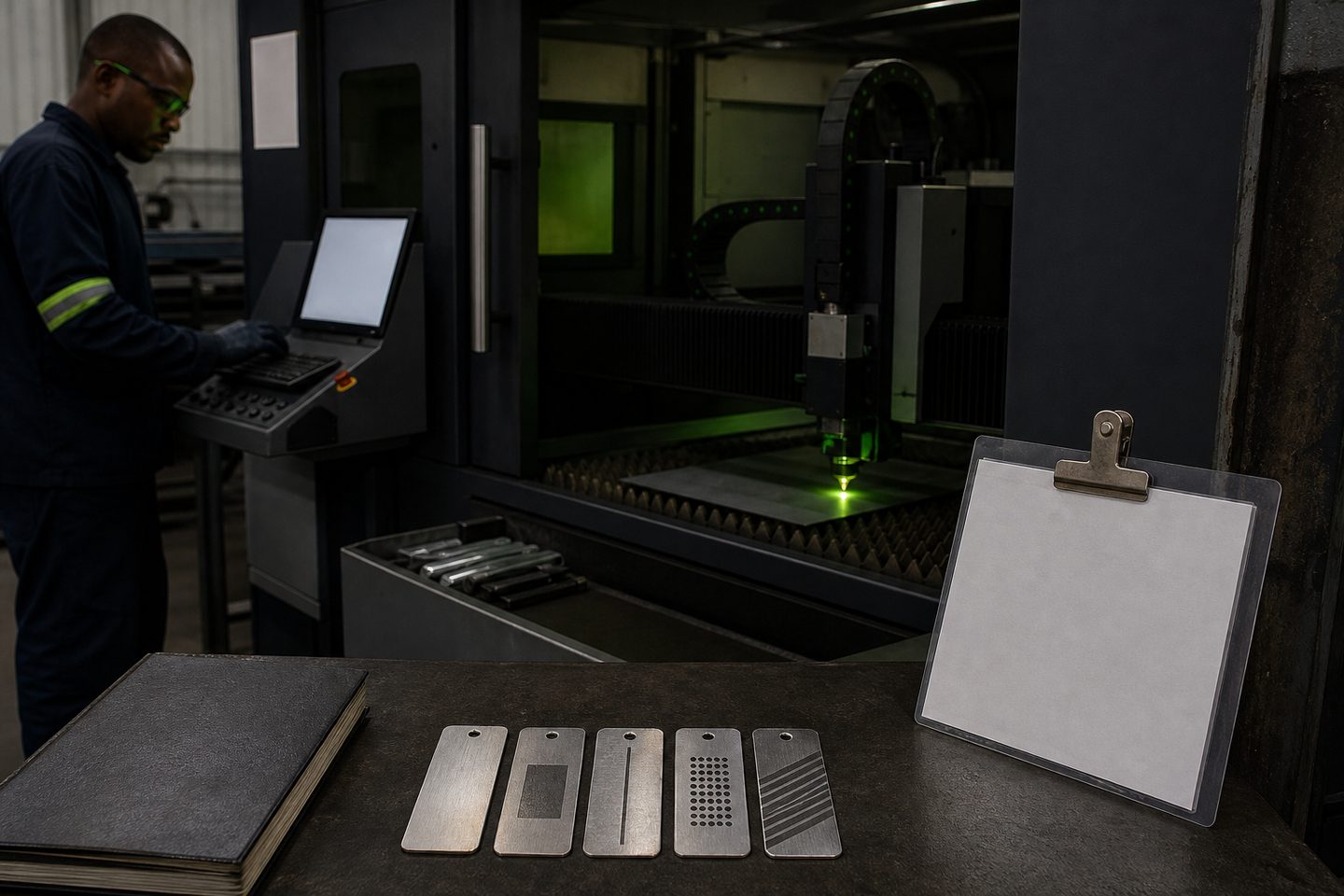
Who the mark recipe card is for
The Mark recipe card is a concise, shop-floor reference for operators and team leads running Mark Pro 30 and DualHead Mark fibre laser marking cells. It keeps the key setup and marking details in one place, right next to the machine. Anyone in production, quality, or maintenance can use the card to quickly check mark settings, material batches, and operator notes without digging through files or PC folders.
Since marking requirements can change per job or part, this card helps teams at fabrication shops, toolrooms, and production lines stay consistent from shift to shift. You can request the latest version through our contact form, and we’ll supply a printable sheet with the current fields and notes.
What the mark recipe card includes and how to complete it
Each Mark recipe card has clear sections for job name or part code, date, material grade, surface finish, and marking type (for example, deep engraving or annealing). There's space for the operator to record key laser parameters such as scan speed, power, frequency, focus distance, and number of passes. The card also covers fixture details and any special instructions, like using black marking tape or a rotary fixture.
To fill it in, write legibly with a permanent marker or pen that doesn’t rub off in the shop. Update the operator field and shift as they change. Log any new settings if you tweak them to get a better mark, but don’t overwrite older data until you're sure the new parameters are correct. That way, others can see what changed and when.
- Job or part code and date
- Material type and surface finish
- Marking type (deep, anneal, ablation)
- Laser settings: power, speed, passes
- Fixture and setup notes
- Operator and shift
How to use the card on the floor and respond to problems
Keep the recipe card at the marking cell’s console or fixture bench. Before starting each batch, cross-check the card details against the part and laser setup. If you see a sudden change in marking depth, colour, or quality, compare the actual outcome to the recorded settings. For example, a faded mark might mean the focus is off, the cover slide is dirty, or the part material has changed.
If you spot a problem that isn’t explained by what's on the card, don’t just adjust the settings and move on. Note the issue in the comments section and snap a photo for reference. Send a quick message via our contact form if the mark keeps drifting or if you need a new sheet. Bring the card to your next first-article review with the supervisor or with Ms Firdous Bassier if you're at Sunnyrock HQ.
