
Beam notes
Twin heads without confusion
DualHead Mark lets you run flat and rotary jobs in one cell, but mixing up recipes or parts can bring real headaches. Here’s how we keep marking jobs clear and on track.
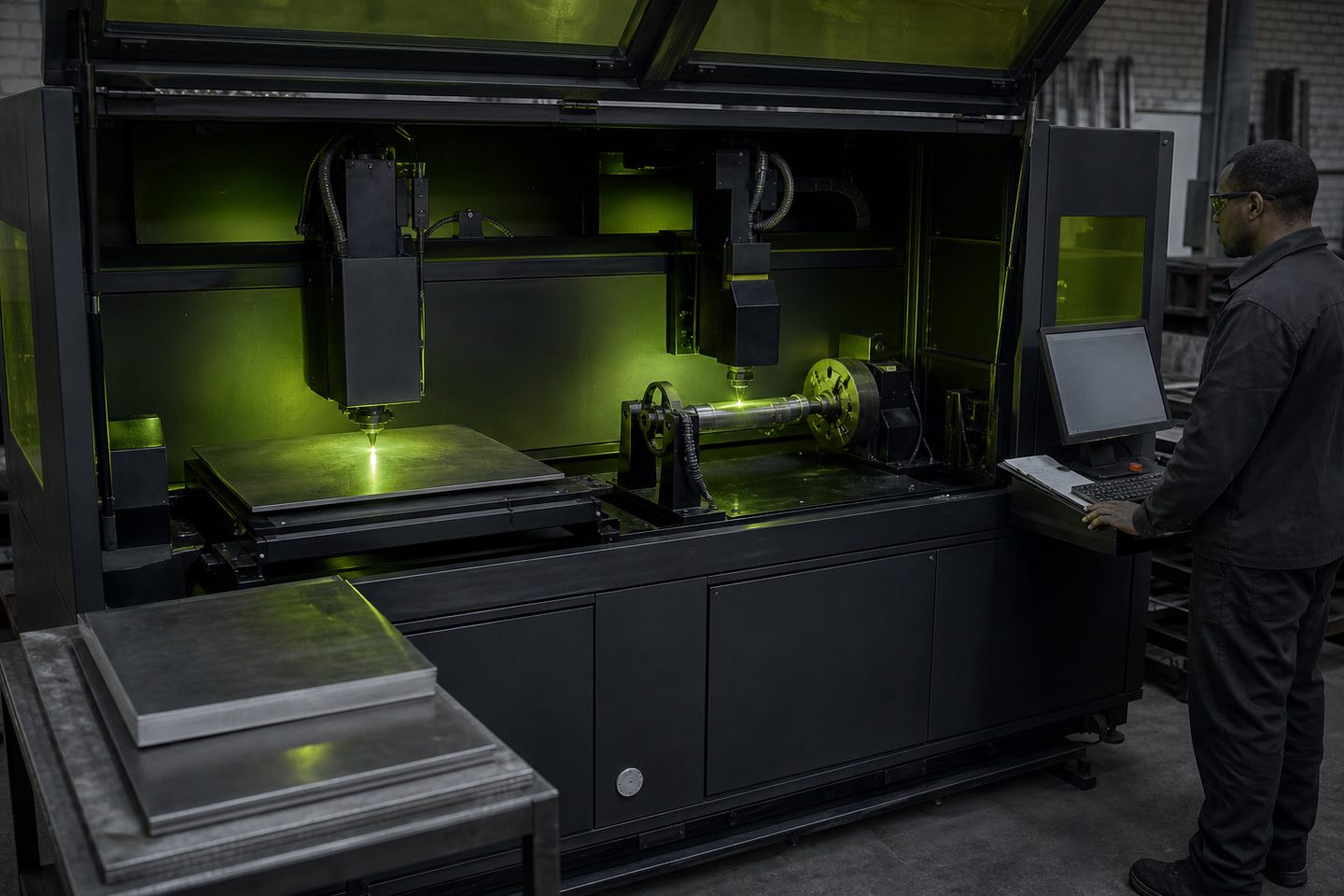
Mix-ups happen fast in a busy shop
On most shop floors, time pressure and multitasking can cause mistakes, especially where one cell handles both flat and rotary marking. DualHead Mark is built to switch tasks, but if your operator loads the wrong recipe or scans the wrong part, downtime and scrap follow quickly.
We see this most when batches change during a shift, or when two teams share the cell and don’t follow the same routine. The real world is full of distractions: urgent tags for mining, a call for asset tracking, and someone rushing to finish a medical lot before the courier arrives. That’s when heads get mixed up and the wrong settings hit the wrong part.
What works for recipe and job control
Clear labelling and strict recipe control are more effective than relying on memory or verbal handovers. We train every team to use printed or digital job cards, and to check every setup against a first-article mark before a full run. On DualHead Mark, the controller lets you pre-select flat or rotary logic, but it remembers the last job loaded. If you don’t reset, you can engrave a flat part with rotary depth, ruining the surface.
We also teach operators to double-check fixtures. The rotary chuck must be swapped out for the flat bed, not only left in place and ignored. The focus height shifts between jobs, so building a habit of running the autofocus step each time prevents blurry marks and misaligned codes. Our best results come from teams who keep a visible log at the cell, even a whiteboard helps keep track.
A lesson from a real job run
We once supported a signage batch where asset tag orders arrived mid-run. The team tried to squeeze in rotary marking between flat jobs, assuming the operator would spot any problems. In the rush, the wrong recipe was loaded: the rotary code was applied to a stack of flat plates, leaving deep grooves instead of a clean ID mark.
It cost the team a morning to re-finish and re-mark the faulty plates. After that, they switched to a simple two-board system: one for ‘Flat’ and one for ‘Rotary’, with the active job and recipe written up before each changeover. Their mix-ups dropped to zero, and they never lost production time to recipe confusion again.
Practical steps to prevent confusion
You can avoid most DualHead Mark mix-ups with a few repeatable habits. Here are the key steps we recommend to every shop we support:
- Print and display job cards for each batch, noting flat or rotary and recipe name
- Always confirm the loaded recipe and part type before starting the next run
- Swap fixtures properly: do not mark flat parts on the rotary chuck or vice versa
- Use the autofocus or manual focus check every time you change head or part
- Log each job start and finish on a board at the cell for all shifts to see
- If in doubt, do a test mark on a scrap part before running the full batch
When to ask for our help
If you keep having recipe mix-ups or if your team’s handovers break down during shift changes, it’s time to get more support. We can review your workflow, help set up job control routines, and run first-article checks here at Sunnyrock HQ if needed.
Use our contact form to send the details through. Let us know your city, what’s happening on your DualHead Mark, and whether the issue is with recipes, fixture changes or operator training. We’re here to keep your marking jobs running without confusion.
