
WeldPrep Beam fixtures
Correct fixture choice and setup directly affect weld prep accuracy and repeatability on the WeldPrep Beam. Matching the workholding to your parts helps prevent common setup errors and keeps prep lines consistent.
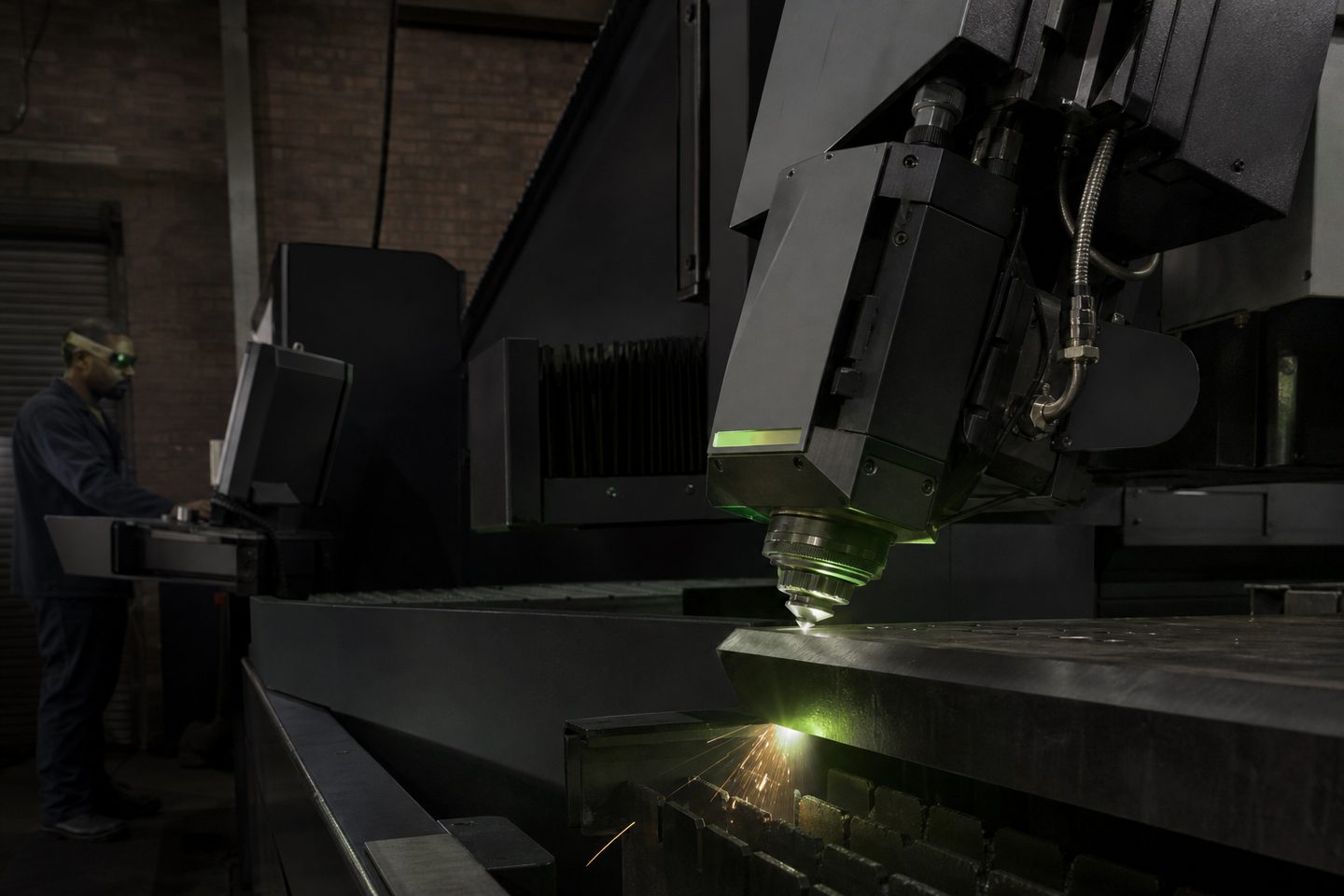
Browse materials, jaws, straps, and rotary kits.
- Flat fixture cues
- Rotary / clamp limits
- First-article photo notes
Also see beam notes and projects.
Why fixturing matters for WeldPrep Beam work
The quality and consistency of your bevels, edge prep or cutouts on WeldPrep Beam depend heavily on how you fixture the workpiece. A stable and repeatable setup holds the part in the same place every time, directly affecting both cut quality and operator safety.
Unstable or poorly aligned fixtures cause variable edge angles, unwanted marks, or even scrap. A good fixture also reduces set-up time between parts, supporting higher throughput and less risk of operator error.
Fixture types that suit WeldPrep Beam
For flat plates or large panels, precision steel jigs or nest plates with machined stops work well. They keep edges parallel to the beam path and support repeat batches. Low-profile clamps or quick-acting toggle clamps can secure thinner sheet without distorting it.
Rotary chucks or adjustable V-blocks suit pipe, RHS and angle iron. For small odd-shaped pieces, use modular strap clamps or magnetic bases. For thick plate or wear parts, use heavy-duty toe clamps paired with slip-resistant matting under the part, as vibration can shift heavy work.
- Steel jigs and nest plates
- Low-profile toggle clamps
- Rotary chucks or V-blocks
- Strap clamps and magnets
- Toe clamps for thick plate
Setting up and checking a fixture for a first article
A systematic setup prevents wasted material and downtime. Always prepare your fixture before bringing the part to the WeldPrep Beam cell, then follow a careful check routine for the first article.
The steps below will help you catch errors before they reach production, and form part of your handover if you ask for a first-article review at Sunnyrock HQ.
- Clean the fixture surfaces and the workpiece
- Position the part and check for flatness or full contact
- Tighten clamps securely but don’t deform the workpiece
- Verify orientation against the cut or bevel programme
- Test-run the beam path with the cover slide out to check for collisions
- Log the fixture setup and take a photo for records
Common fixture faults in autofeed cutting and how to prevent them
The most frequent fixture problems are loose clamping, part slippage, using clamps that deform thin sheet, or inconsistent part orientation. These issues lead to poor cut edges and safety risks.
To avoid them, always use clamps suited to the material thickness and part shape, check for movement after tightening, and double-check orientation before running the job. For repeat work, record the fixture setup and keep samples for quick reference.
- Never use makeshift or worn clamps
- Avoid over-tightening: thin sheet buckles easily
- Check clamp pads for debris to prevent marking
- Don’t let clamps block the planned beam path
- Confirm rotary chuck jaws are locked before starting
What our Fibre Laser customers say
Verified Google reviews
