
SheetNest Pro fixtures
Good fixture setup on your CutLine and SheetNest Pro pairing keeps parts consistent and your nests reliable. Here are practical fixture notes for real South African shops.
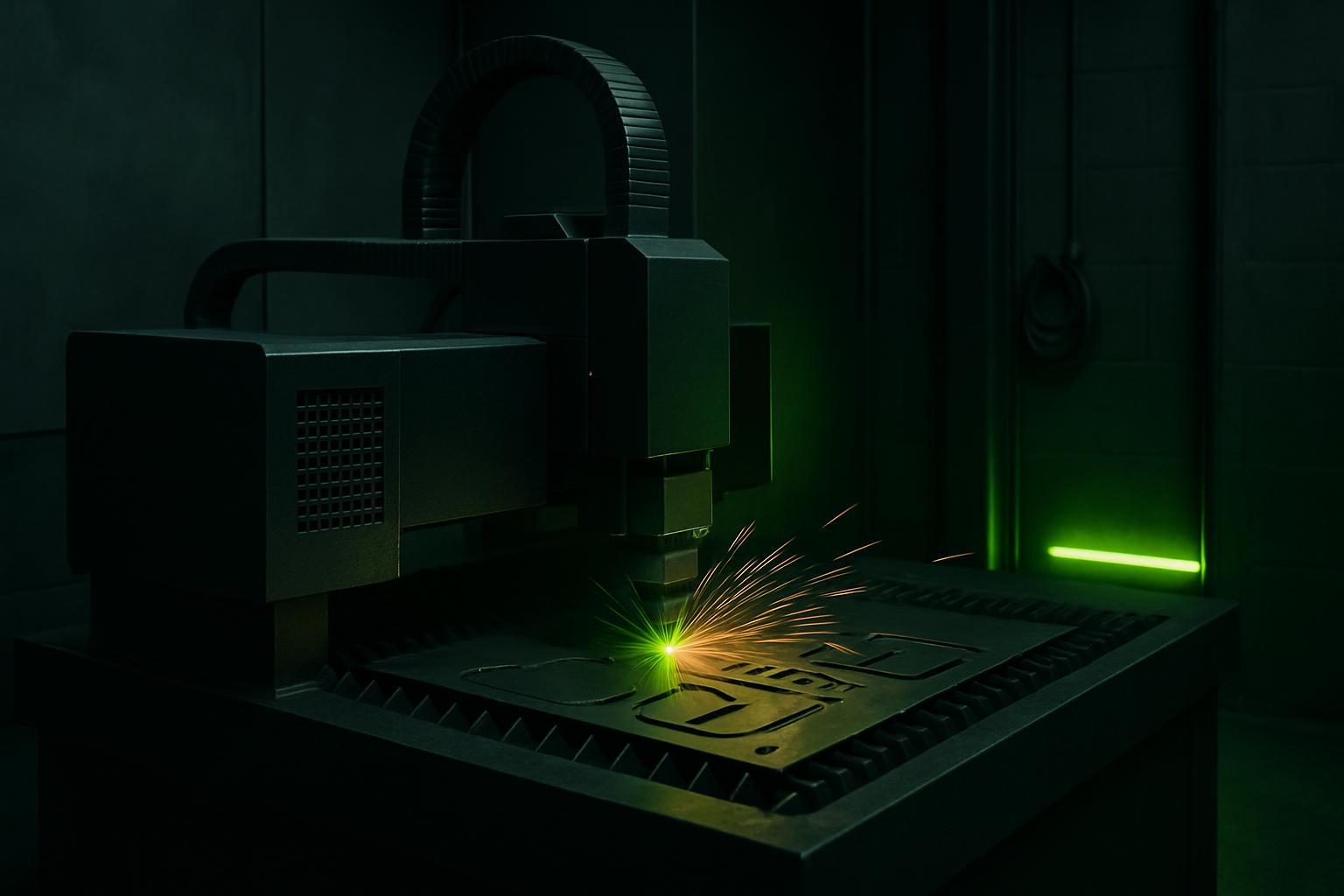
Browse materials, jaws, straps, and rotary kits.
- Flat fixture cues
- Rotary / clamp limits
- First-article photo notes
Also see beam notes and projects.
Why fixturing matters for cut quality and repeat jobs
When you run nested sheets or mixed jobs on CutLine with SheetNest Pro, the workholding setup makes or breaks your result. A loose or uneven fixture can let the sheet shift, ruining part accuracy and wasting stock. Secure clamps and well-planned jigs keep the whole nest aligned, no matter how many parts you load or how many shifts you repeat.
Repeatability depends on the fixture as much as the laser itself. If your shop needs to rerun jobs months apart or keep part-to-part consistency for downstream welding or bending, you want a fixture that holds every sheet flat and still. Good fixturing also helps prevent dropped parts and lets you re-use remnants safely.
Fixture types that suit SheetNest Pro jobs
Workholding with SheetNest Pro usually relies on low-profile clamps, quick-set nest plates, and for round or square tubing, rotary chucks. Jigs with fixed stops help line up each sheet in exactly the same place, making life easier for the operator and the next shift. If you swap between material grades or thicknesses, consider adjustable end stops and slide-in clamps that dont need rebolting.
For small or thin sheets, straps or magnetic hold-downs may work, but always check that nothing blocks the cut path. On larger jobs, bolt-on plates keep things from vibrating loose mid-run. Where possible, keep fixtures simple so anyone on your team can load and unload safely. For tube or angled jobs, use the reference jaws supplied with TubeCut or your own checked rotary kit.
- Use low-profile clamps for flat sheet
- Set fixed stops or nest plates for repeat jobs
- Straps or magnets suit thin or small sheets
- Rotary chucks or jaws for tube runs
Setting up and checking a fixture for the first article
For your first SheetNest Pro job or a new material, always set up and check your fixture step by step. Missed steps lead to knocked sheets or poor cuts. Follow this list for each first article run.
Take a quick phone shot of your setup for your own log. If you hit a problem, this is what helps when you send us a message for support at Sunnyrock or your nearest showroom.
- Clean the bed and check for leftover offcuts
- Fit clamps or nests snugly but without distorting the sheet
- Double-check sheet alignment to the X axis
- Test a dry run (no cut) to check clearance
- Confirm all fasteners are tight
- Record settings and snap a photo for future jobs
Common fixture faults in autofeed cutting and how to prevent them
One easy mistake is overtightening clamps, which can warp thin sheet and throw off your whole nest. Under-tightening means the sheet or tube can move, especially if you run high-pressure nitrogen or cut a dense nest near the edge. Avoid mixing up jaws or stoppers between jobs, or you’ll waste time during changeover.
Cut paths that run too close to clamp feet or jaws can cause collisions or damage the fixture. Plan your nest brief with clear clamp zones and check SheetNest Pro’s visual before you start. Don’t forget to retighten and check clamps after a long run, as vibration can loosen even the best fixture over time.
- Don’t overtighten or under-tighten clamps
- Keep clamps clear of programmed cut paths
- Mark fixture zones on nest briefs
- Use the same reference side every run
What our Fibre Laser customers say
Verified Google reviews
