
PlateGate XL fixtures
Good fixtures and clamps on PlateGate XL let you cut plate and heavy wear parts with stable, repeatable results. Practical fixture options and correct setup help keep parts secure and cuts consistent.
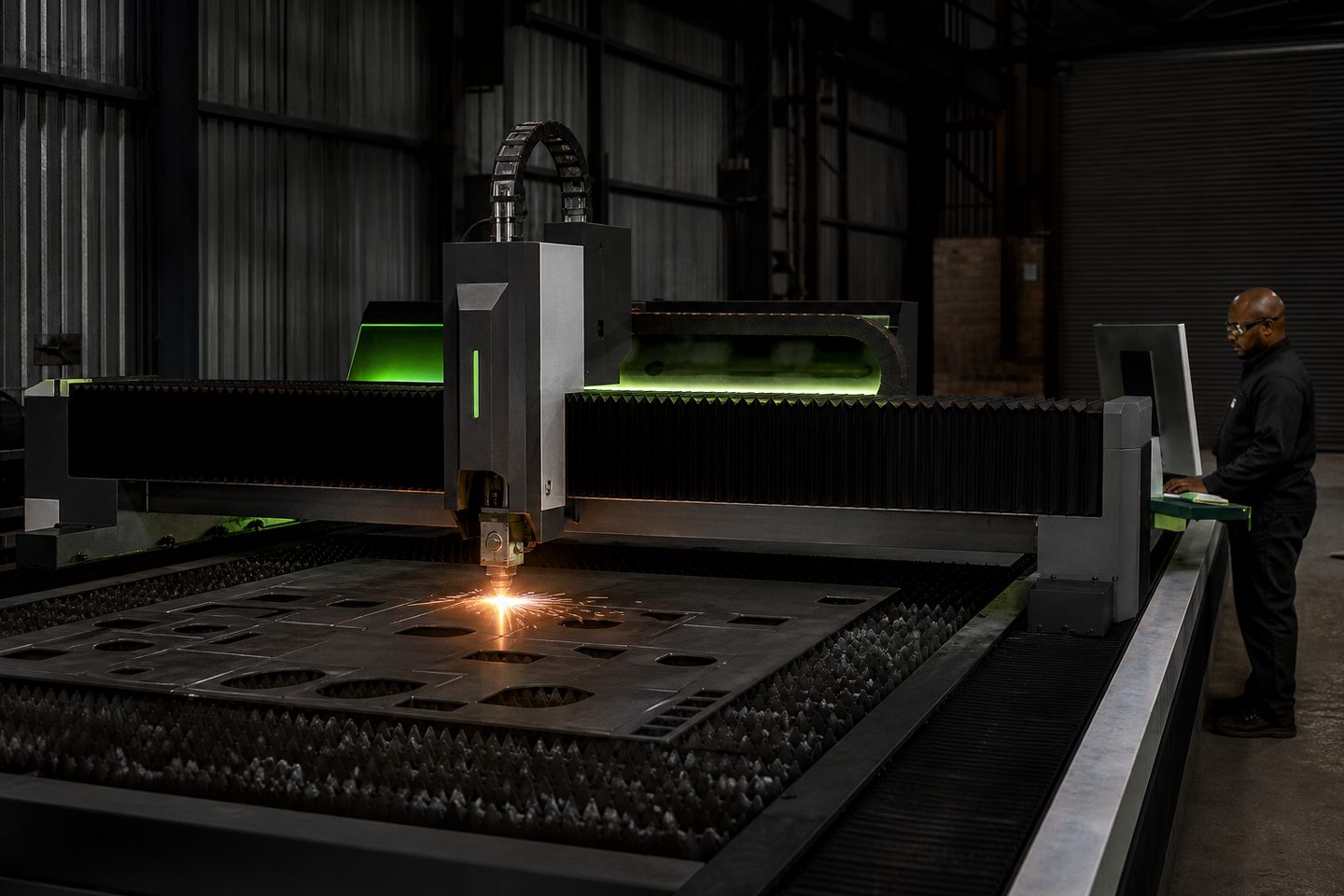
Browse materials, jaws, straps, and rotary kits.
- Flat fixture cues
- Rotary / clamp limits
- First-article photo notes
Also see beam notes and projects.
Why fixturing matters on PlateGate XL
The quality and repeatability of a laser cut on PlateGate XL depend on solid fixturing. A plate that shifts or vibrates during cutting can ruin edge quality, introduce measurement drift and force rework on finished parts.
Proper fixtures keep large sheets and heavy plate flat, steady and aligned to the machine’s reference points. This is crucial for thick-plate cutting, where even small movements or uneven support will throw off cut paths or damage the head.
Fixture types that suit large plate and heavy parts
For PlateGate XL, the most common fixtures are mechanical clamps, low-profile jigs, nest plates and, where rotary action is required, heavy-duty rotary chucks. Adjustable clamps suit irregular or heavy wear parts, while nest plates help hold smaller runs of repeat parts.
Magnetic clamps work on mild steel plate for simple setups, but mechanical clamps or straps are safer on thick or warped material. For plates that need edge access, use bridge clamps or toe clamps, making sure they clear the cut path. Rotary chucks are used for round or ring-shaped parts where edge quality must be consistent all round.
- Mechanical clamps and toe straps
- Magnetic holders (mild steel only)
- Nest plates for part batches
- Bridge clamps for edge access
- Rotary chucks for round parts
Setting up and checking your fixture for a first article
A good fixture setup is checked methodically before cutting the first article. This limits scrap and saves time during production runs.
Use this checklist to prepare and review your PlateGate XL fixture setup:
- Check the bed surface for dust, offcuts or slag
- Load the plate or part and check for flat contact
- Align to PlateGate XL’s machine zero or reference points
- Fit clamps or straps outside the programmed cut area
- Tighten carefully to avoid part movement or distortion
- Jog the head to check clearance over all fixtures
- Review the nest brief against physical positioning
Common fixture faults in autofeed cutting and how to prevent them
Most fixture problems come from rushing setup or missing small details. Loose clamps, clamps in the cut path or warped plates will spoil accuracy and can risk a collision with the head.
To avoid these issues, double-check all clamps for tightness, keep fixtures out of programmed cut zones and always keep the bed clean. Avoid over-tightening thin plate, as this can cause bowing and focus errors. If the plate is warped, flatten or support it with extra spacers rather than forcing it down with clamps alone.
- Never clamp inside the cut path
- Keep clamps tight but avoid over-tensioning
- Remove all leftover offcuts before loading new plate
- Watch for head clearance, especially near tall clamps
- Log your setup for repeat jobs or troubleshooting
What our Fibre Laser customers say
Verified Google reviews
