
MicroMark Lab fixtures
MicroMark Lab works best with careful fixturing. The right clamp or jig ensures accurate, clean and repeatable marks on small electronics, medical and jewellery parts.
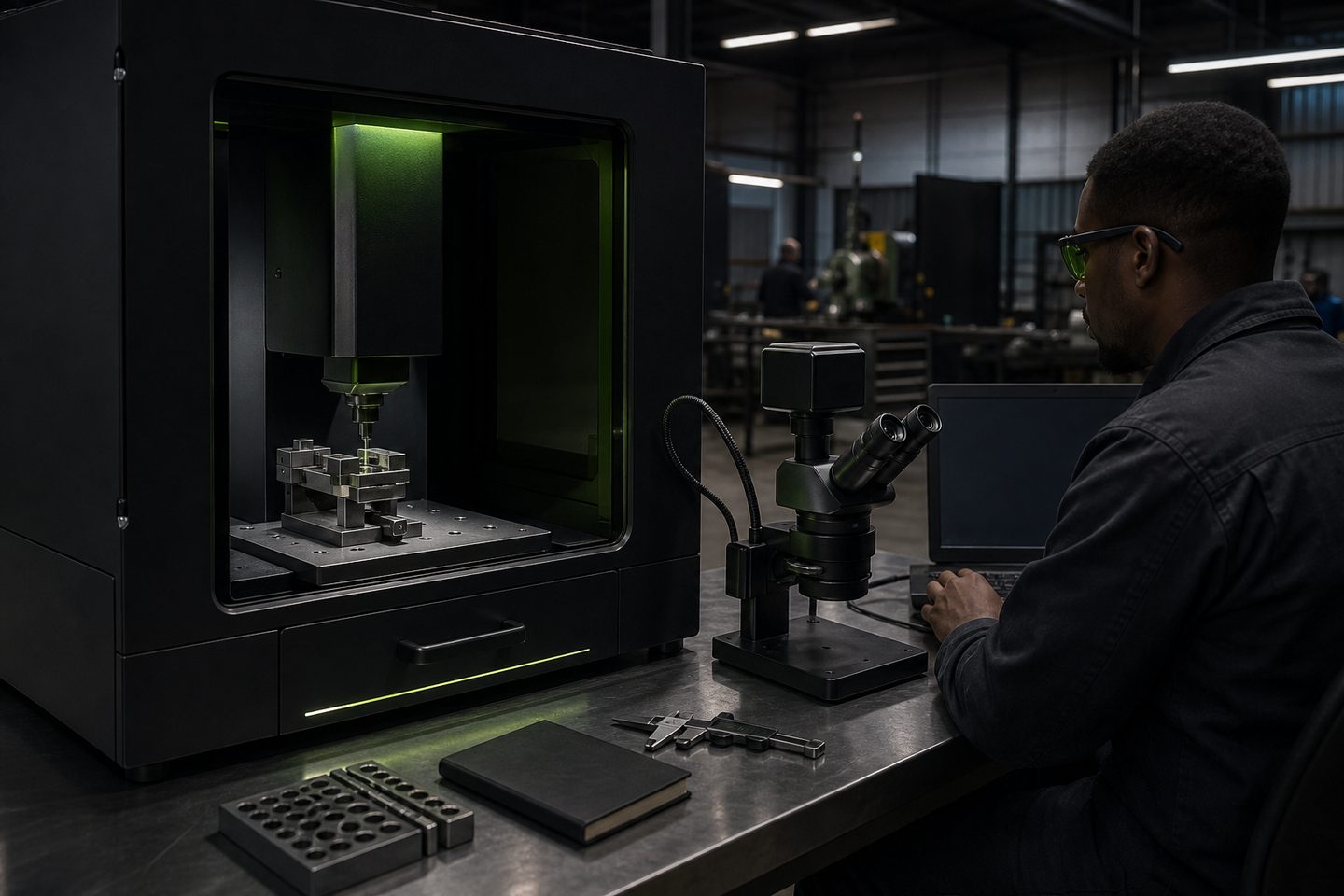
Browse materials, jaws, straps, and rotary kits.
- Flat fixture cues
- Rotary / clamp limits
- First-article photo notes
Also see beam notes and projects.
Why fixture choice affects every mark
MicroMark Lab is built for detailed micro marking and engraving on small, high-value parts. Consistent results depend on how securely and accurately you hold each item under the beam. Even a small shift or tilt can blur a code, misplace a logo or cause a rejection on a medical or electronics part.
Repeatable fixturing means every part is placed at the same height and orientation each time. This ensures the laser focus stays sharp and marks are positioned where you want them. With tight tolerances and small fields, a stable fixture or jig is a must for quality and compliance.
Fixture types that suit MicroMark Lab
MicroMark Lab works with a range of workholding styles. Flat plate nests, machined jigs, low-profile clamps and small rotary chucks all feature in daily jobs. Choose the fixture for the shape and material you are marking: a flat nest for tags or plates, a V-block or rotary chuck for tubes and rings, or a gentle clamp for delicate electronics.
For small-part marking, modular fixture plates with moveable stops and pins help handle batch runs. Soft jaws or protective pads avoid marring the finish on precision parts. Strap fixtures and spring clips are useful for holding thin or odd-shaped items. If you mark round parts, use the rotary kit and test for smooth, slip-free movement.
- Flat nests for tags, nameplates and PCBs
- Rotary chucks for rings, tubes and pins
- Soft jaws or pads for delicate parts
- Strap or spring clips for thin or odd shapes
Steps to set up and check a fixture for a first article
Getting the fixture right for the first article saves time and scrap. Always check and record your setup before running a batch, especially for traceability jobs in medical and electronics.
Use this checklist to set up your fixture and confirm it is ready for marking:
- Clean fixture, jaws and part contact surfaces
- Check part sits flat, level and secure
- Align the mark field using MicroMark Lab’s preview
- Check focus height is set for the part’s surface
- Test clamp pressure, secure but not deforming
- Run a low-power preview or dry run and inspect placement
Common fixture mistakes and prevention tips
Loose or uneven clamping is the most common cause of blurred, double or misplaced marks. Using unprotected clamps can scratch finished parts, while over-tightening can crush thin or soft items.
Avoid these issues by matching the fixture to the job. Use soft pads, check for wobble before starting, and never mark on a fixture that lifts or shifts when bumped. For rotary marking, always test the full rotation with a dummy part before running workpieces.
- Never use metal-to-metal clamping on finished parts
- Do not overtighten or force small parts into a fixture
- Always check for movement before each batch
- Inspect and clean fixtures regularly for dust and swarf
What our Fibre Laser customers say
Verified Google reviews
