
Mark Pro 30 fixtures
Good fixturing on the Mark Pro 30 keeps your marks consistent and your workflow smooth. A practical fixture saves time and prevents errors before they start.
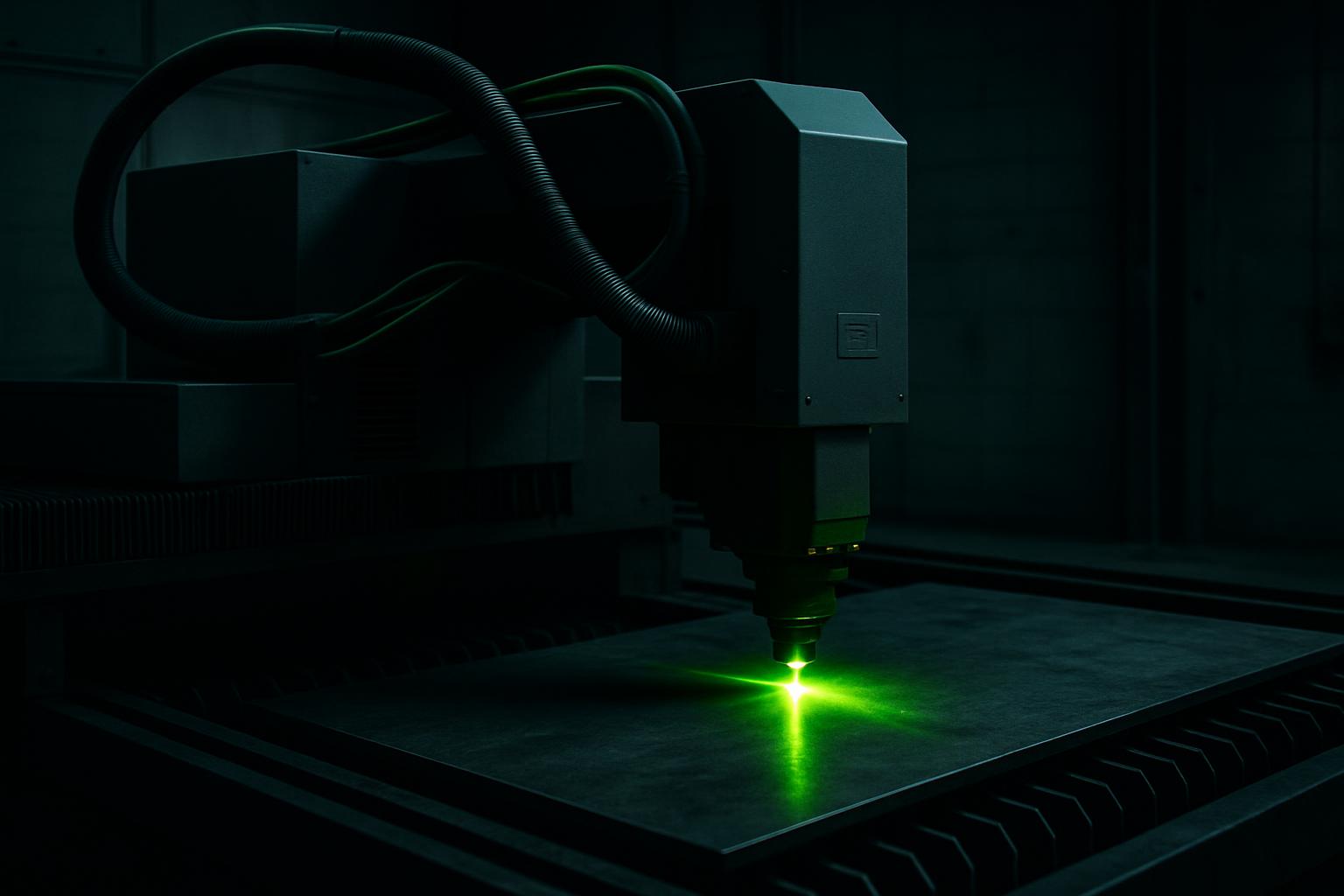
Browse materials, jaws, straps, and rotary kits.
- Flat fixture cues
- Rotary / clamp limits
- First-article photo notes
Also see beam notes and projects.
Why repeatable marking depends on solid fixturing
On the Mark Pro 30, repeatability and mark quality both come down to how you hold your part. If the workpiece shifts or sits uneven, even the best settings won't save the mark from a bad position or fuzzy edge. Reliable fixturing keeps every batch steady, which is what you need for serial numbers, logos and codes that must line up every time.
A good fixture also protects your machine and your operators. When a part is loose, it can jump or tip from the beam, causing double marks or, worse, a safety risk. Taking ten minutes to fit a fixture properly can save you hours chasing mark drift and rework.
Fixture types that suit Mark Pro 30 work
Mark Pro 30 handles a mix of flat plates, small components, tubes and even odd-shaped parts. Simple jigs made from aluminium plate or mild steel are common for flats. For round or oval items, a rotary chuck or V-block keeps them from rolling during marking. Spring clamps and cam clamps are quick for small pieces, while nest plates with cut-outs suit repeat jobs like tags or badges.
Soft straps or non-marring jaws help hold finished surfaces without scratching. For parts with coatings or delicate edges, line the contact points with felt or silicone. Most jobs can be handled with simple setups, but for high volumes or critical alignment, it's worth designing a custom nest that matches your part exactly.
- Aluminium or mild steel jig plates for flat items
- Rotary chuck or V-block for tubes and rods
- Spring clamps for quick swaps
- Nest plates for batch marking
- Soft straps or lined jaws for delicate work
How to set up and check a fixture for first-article marking
Every new part or batch needs a fixture check before you start marking in production. A rushed setup is the quickest way to scrap a whole run.
Go step by step: clean the fixture and part, secure the part so it can't move, check alignment with the mark preview or pointer, and run a test mark on a scrap piece. Record your fixture position and settings for repeat jobs, and photograph the setup if the operator will change.
It's easy to forget a clamp or move the fixture after aligning. Always double-check before pressing start; if you're unsure, ask Ms Firdous Bassier or send us a message for a fixture review at Sunnyrock.
- Clean fixture and part before loading
- Secure part with clamps or nest
- Check with mark preview or pointer
- Do a test mark on scrap
- Record and photograph setup for repeats
Common fixture faults in autofeed cutting and how to prevent them
One of the most common mistakes is using too little clamping force, which lets the part creep or vibrate during marking. On the other side, over-tightening can deform thin components or mar the surface, especially on softer metals or finished parts. If you switch between part types, dont forget to change out the jaws or nest, using the wrong fixture causes misalignment and wasted work.
Avoid loose screws, worn pads or bent fixture plates, as these cause gaps or tilt on repeat runs. Dust and oil buildup can also make parts slip over time, so keep fixtures clean and inspect them weekly. For jobs with complex shapes, take the time to make a simple custom insert or spacer, it's faster than trying to fudge an awkward part into a generic clamp.
- Use enough clamping force, but don’t crush
- Swap jaws or nests when changing parts
- Check fixtures for wear and dirt weekly
- Custom inserts solve tricky shapes
- Avoid over-complicating the setup
What our Fibre Laser customers say
Verified Google reviews
