
DualHead Mark fixtures
Good fixturing is the key to accurate repeatable marking with DualHead Mark. Here’s what works for different jobs and how to set up each fixture with confidence.
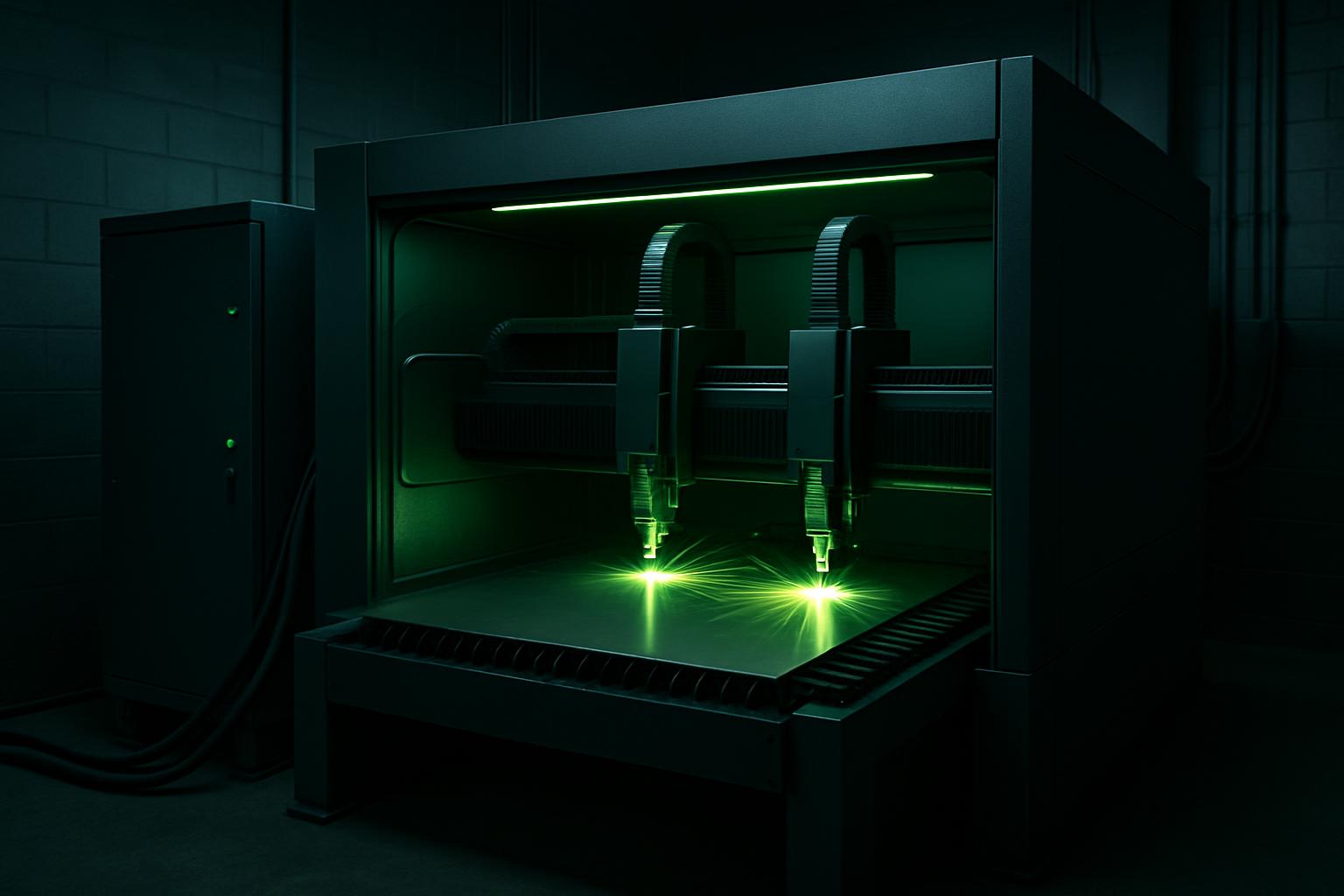
Browse materials, jaws, straps, and rotary kits.
- Flat fixture cues
- Rotary / clamp limits
- First-article photo notes
Also see beam notes and projects.
Fixturing affects quality and repeatability
The way you hold a part under DualHead Mark decides the accuracy, depth, and consistency of every mark. Even a top-class laser system cannot compensate for a loose or misaligned workpiece. With two marking heads, any shift or flex can cause skipped marks, twin images or blurred codes, especially on round or angled surfaces.
Repeatable marking depends on a fixture that places every part in the same location, at the correct height and orientation. If the part moves, even by a fraction of a millimetre, the focus and alignment change, affecting the mark depth and legibility. Proper fixturing also protects the operator by keeping hands away from the beam path.
Fixture types that suit DualHead Mark
Common fixtures for this system include flat nest plates with adjustable stops, soft-jaw vices for small batch runs, and rotary chucks for tubes, shafts, and rings. For flat parts, simple edge stops or magnetic clamps can be enough, as long as the contact points are low-profile and non-reflective.
Rotary marking uses a self-centering chuck or a collet fixture. DualHead Mark’s rotary axis benefits from support jaws that prevent part slippage, especially on heavier or longer pieces. Strap clamps are useful for awkward shapes, but avoid covering the mark area or creating shadow lines. Non-marring materials (like soft aluminium or plastic inserts) protect delicate finishes.
- Flat nest plates for uniform repeat jobs
- Soft-jaw vices for delicate parts
- Rotary chucks for tubes and shafts
- Edge or stop blocks for alignment
- Strap clamps for irregular shapes
Setting up and checking a fixture for a first article
Before running a batch, always set up and prove your fixture on a sample part. This avoids rework later. For any new job, follow these setup steps to get reliable results.
A first-article check ensures that both marking heads hit the correct spot, the part stays secure, and the finished mark is clear and consistent. Log the fixture position and settings for future runs.
- Clean part contact surfaces and remove loose chips
- Check and confirm part orientation matches the artwork
- Tighten clamps or jaws evenly without crushing
- Run a dry cycle to check head clearance and reach
- Mark one sample and inspect for slip or double image
- Record fixture position and machine settings
Avoid these fixture mistakes
Loose or flexible fixtures are the main cause of double marks or unreadable codes. Over-tightening can crush or deform thin-walled parts, especially with rotary marking. Avoid reflective metal clamps near the mark area, as they can reflect the beam and cause stray marks or safety risks.
Never let a clamp or jaw obscure the marking zone, even a thin edge can block the beam and spoil the result. If using magnets, check that they do not move or shift during marking. Regularly inspect fixtures for wear, lost tension or play, and replace non-marring pads as needed.
- Do not mark over or near a clamp edge
- Watch for slippage on curved or coated parts
- Avoid overtightening fragile items
- Replace worn fixture pads regularly
What our Fibre Laser customers say
Verified Google reviews
