
BeamDesk Mini specs
BeamDesk Mini is a 20 W fibre marking bench cell designed for samples, small parts and R&D. It comes with mini jaws and supports UID and QR code marking.
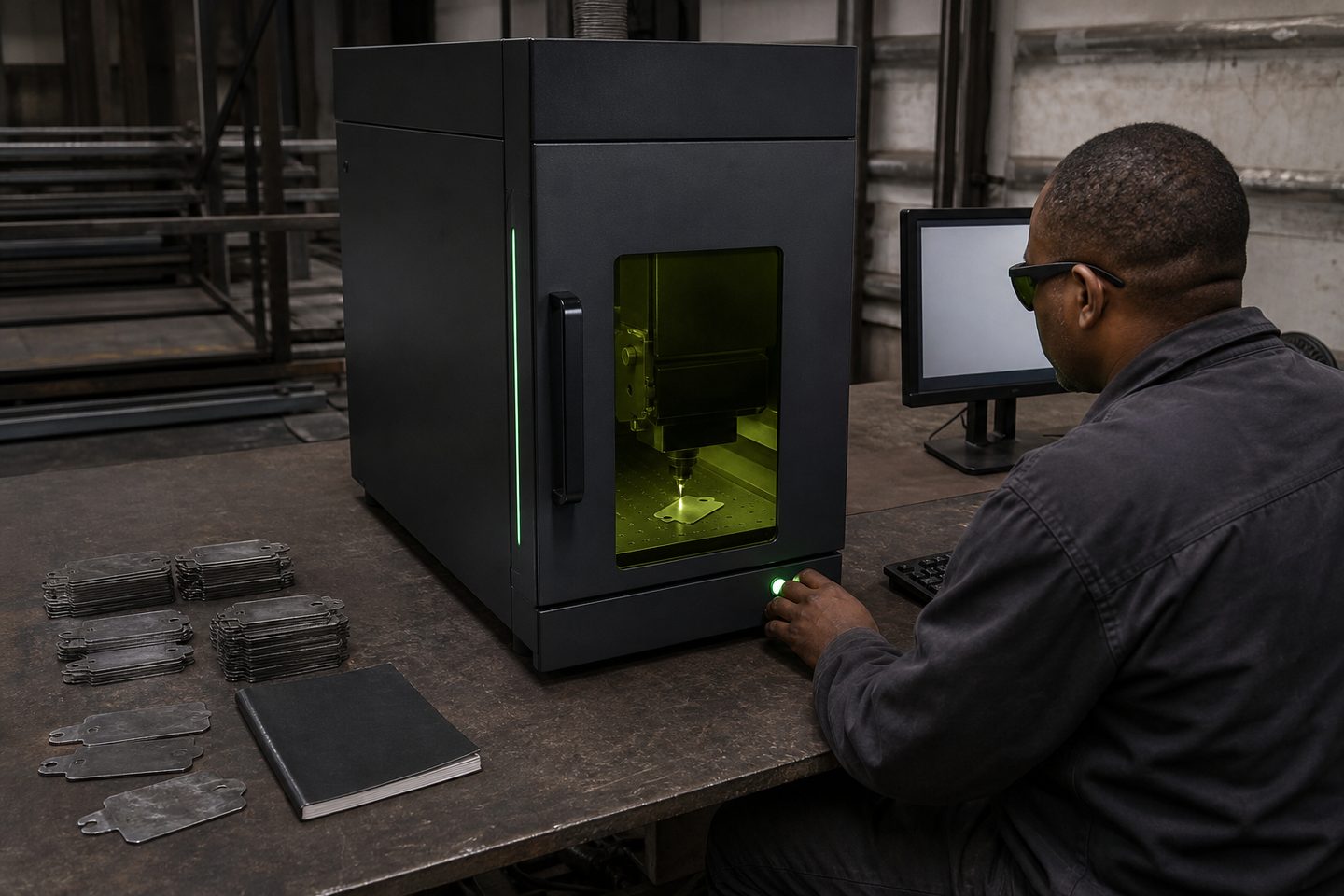
| Source | 20W fibre class |
|---|---|
| Footprint | Bench cell |
| Best for | Samples and R&D |
| Codes | UID / QR ready |
| Fixtures | Mini jaw set |
| Support | Sunnyrock HQ |
Use our contact form to request a pack for your setup.
Also see beam notes and projects.
What each BeamDesk Mini spec means for your work
The 20 W fibre class source in BeamDesk Mini is well suited for fine marking and shallow engraving on metals like stainless steel, mild steel, aluminium, and some coated plastics. This wattage is ideal for serial numbers, barcodes, UID, and QR code marking on parts up to a few hundred millimetres wide. Don't expect deep engraving or fast cycle times for high-throughput production with this unit: its strength is in precision work, samples, and short runs.
The bench cell footprint means you can set up BeamDesk Mini on a sturdy desktop or workbench, making it easy to fit into an R&D lab, quality area or even a smaller workshop. The included mini jaw set makes it simple to clamp small parts securely, which is essential for consistent focus and mark quality.
What the spec doesn’t tell you about real parts
On paper, the spec covers what the machine is designed to do, but performance on your own parts depends on metal grade, surface finish and coating. For example, some anodised or coated aluminium marks very well, but others can burn or flake if the recipe is off. It's always best to run a first-article test on your actual material, especially if you need a specific mark depth or contrast, or the parts are curved or oddly shaped.
We often see customers bring in samples for a quick review at Sunnyrock HQ, so Ms Firdous Bassier can set up the correct settings for UID or QR codes. Bring your own parts and drawings so we can verify mark quality and code readability before you commit.
Site and utility requirements to plan for
BeamDesk Mini is straightforward to install, but the site still needs basic planning to avoid delays or safety issues. Make sure you have enough bench space for the cell and a laptop or PC if you’ll be running marking files directly.
The unit plugs into a standard 230 V single-phase socket. You will need stable power and a surge protector to protect the electronics against dips and power cuts. A local exhaust fan or extraction arm is advised to clear any metal fume or fine dust created during marking, especially in small or poorly ventilated rooms.
- Sturdy workbench with space for cell and PC
- 230 V single-phase power with surge protection
- Local exhaust extraction or fan
- Safe storage for sample parts and jaws
Questions to ask before you compare quotes
When you’re looking at fibre marking cells, don’t just compare source wattage: ask if the unit is tested on your actual parts, and who sets up the first marking recipes. Clarify if after-sales support is included for parameter tweaks or code grading, and whether the cell is covered for on-site or return-to-base repairs.
Check that the safety eyewear supplied is rated for fibre lasers (not CO2), and confirm what spares are included: you will need a spare protective window under the marking head. Finally, ask if you can bring your own parts to the Sunnyrock HQ for a first-article session before you buy.

What our Fibre Laser customers say
Verified Google reviews