
Resource
Pierce order card
The Pierce order card organises the piercing sequence for mixed-gauge sheet jobs, helping operators avoid missed or double pierces. Request the latest printable using our contact form.
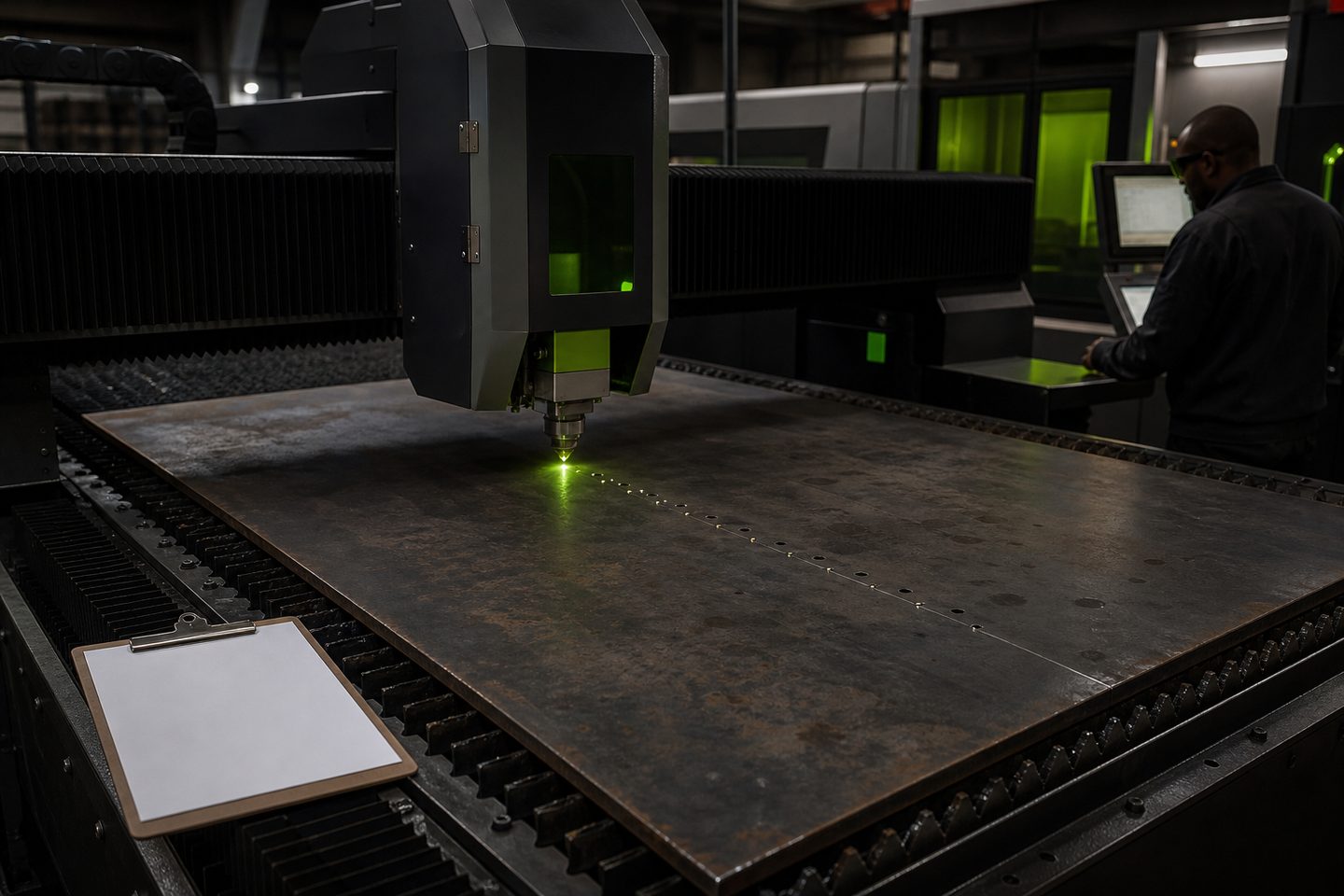
Who the pierce order card is for
This card is designed for machine operators, shift leads and production managers running fibre laser cutting systems, especially when switching between different sheet thicknesses in one job. Mixed-gauge batches increase the risk of missed or repeated pierces, so having a clear sequence at the console helps prevent errors.
Workshop teams use the card to keep the cutting routine consistent and avoid production mix-ups. It’s simple enough for a quick glance during a noisy shift, but detailed enough to log the key settings and actions for each sheet.
What’s on the pierce-order card and how to complete it
Every pierce order card has fields for operator, date, job number, sheet gauge, material, nozzle type, assist gas, nest reference and sequence number. There’s a tick box for each pierce or cut point, plus a space for brief comments if an issue comes up.
To fill it in: start at the top with your name and the job info, then list each sheet and its gauge in order. Tick as you complete each pierce, making sure not to skip or double up in the sequence. If you change a setting, note it in the comments. If youre running more than one nest, use a separate card for each.
- Operator and date
- Job number and nest reference
- Sheet gauge and material
- Nozzle type and assist gas
- Pierce sequence with tick boxes
- Comments for settings or issues
How to use the card on the floor and what to do if issues come up
Keep the card next to the machine console or with the job paperwork so it’s always at hand. Mark off each pierce as it’s done, using a pen or pencil that stays with the sheet pack. If you find an incorrect order, a missed pierce or a setting drift, write it in the comments, sign with your initials, and show it to the shift lead or manager.
When a repeated problem appears or a pierce order error risks scrap or rework, share the filled card with our team through our contact form. This helps us spot pattern faults and update your SheetNest Pro settings if needed. Always keep a spare card in the fixture drawer for the next run.
