
Beam notes
Insert fixtures without rock
Even a small amount of movement or tilt in a mould insert fixture can cause blurry, uneven deep marks. Stopping micro rock means steadier marks and fewer rejects.
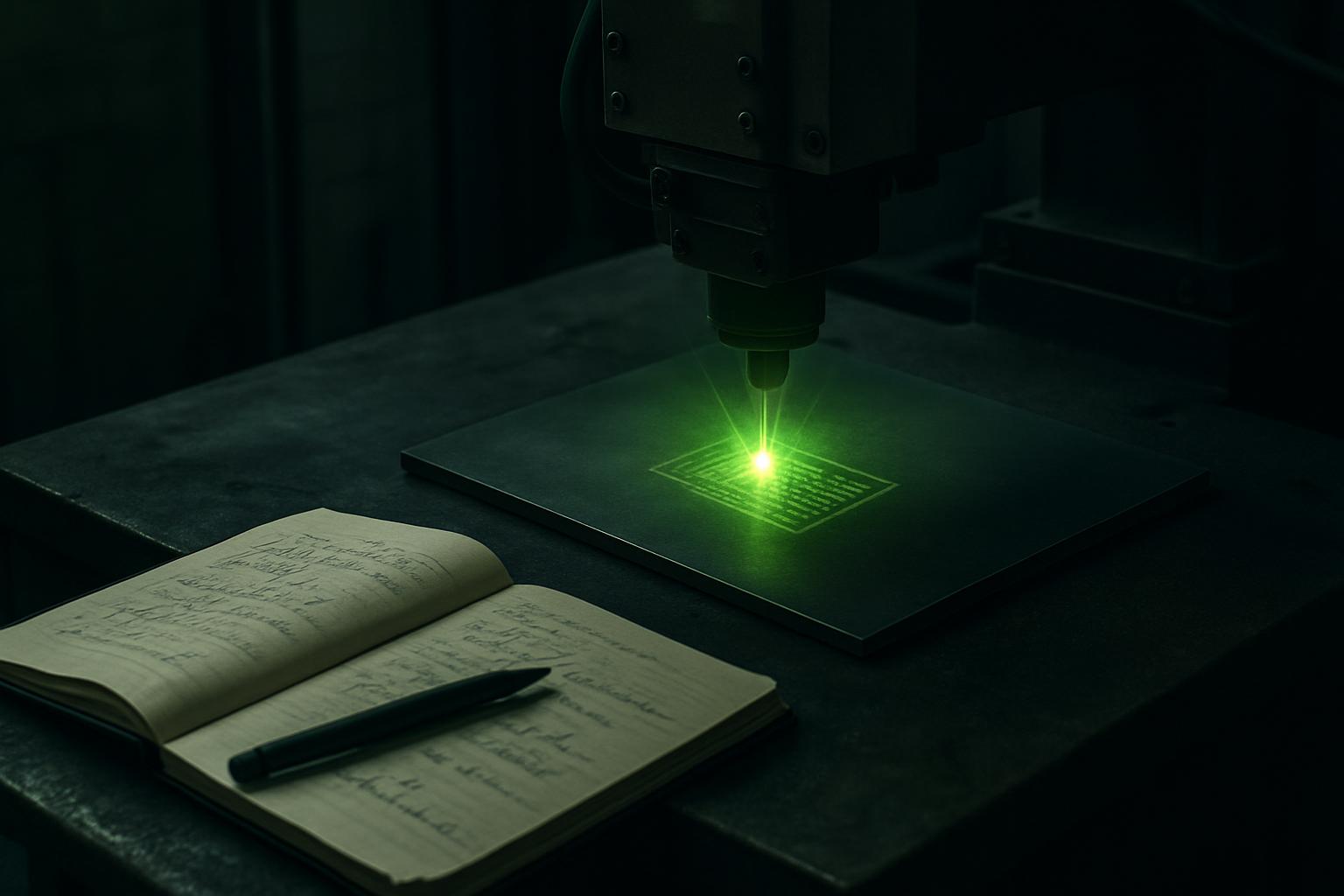
Why fixture rock is a problem for deep marking
If a mould insert wobbles on its fixture during deep engraving, even by a fraction of a millimetre, the result is a mark that’s uneven in depth, fuzzy at the edges, or misaligned. This shows up clearly on hardened tool steels, but the same problem can affect stainless, aluminium and even softer alloys.
On a South African workshop floor, especially in a busy toolroom or short-run production line, you are always fighting limited time and sometimes not enough hands. People want to get marks on and parts out. But a loose or rocking insert means you’ll spend more time fixing poor marks, reworking or even scrapping expensive components.
What we have learned about holding inserts steady
Not all fixtures suit every insert shape. A flat surface isn’t enough: deep laser marking forces matter. We’ve seen thin shims, offcuts and magnetic blocks used, but these often allow micro movement under the laser head, especially if the insert has an odd shape or a heavy feature on one side.
We always recommend making sure the fixture supports the insert at three points at minimum. Rubber or foam pads can help stop slip, but they should not compress under the weight. If you can, use a simple clamp or even a toggle action to hold the insert down, but avoid overtightening, which can deform the part. Clean the fixture surfaces before every run, and check for swarf or dust: even a small chip can cause a tilt.
A real job where micro rock caused an issue
On one recent job at a Gauteng toolroom, a set of hardened steel inserts were loaded for deep marking on their EngraveFab 50. The operator was using a flat steel plate with blu-tack and shims to hold the inserts, but one part kept shifting ever so slightly.
The result was a shadow on the mark edge, only visible under the microscope but enough for the QC manager to reject the lot. After switching to a three-point v-block and using a light spring clamp, the marks came out crisp and passed inspection.
Steps to prevent micro rock during deep engraving
Following a few simple steps can avoid extra work and wasted parts. We keep these as standard practice for all deep marking jobs.
- Clean both the insert and fixture before each mark
- Check for and remove any swarf, dust or oil
- Use a fixture that supports at least three contact points
- Fit clamps or toggles to prevent lift or shift, without distorting the insert
- Add thin rubber or hard foam pads for grip but avoid spongy materials
- Test the setup by lightly tapping the fixture to check for movement before starting the mark
When to ask us for help with insert fixturing
If you are still seeing blurry marks, uneven depth, or failing QC because of micro movement, it’s a good time to ask us for advice. Our team at Sunnyrock can help troubleshoot your fixture design, and we have seen almost every type of insert and marking setup in production across the country.
Send us a message through our contact form with details of your insert and marking cell, and what you have tried so far. We can suggest fixture options, review your settings, or organise a test on our applications bench if needed.
