
Resource
Enquiry pack outline
Our enquiry pack outline helps you send the right details for laser cutting or marking, so we can get you accurate answers and support.
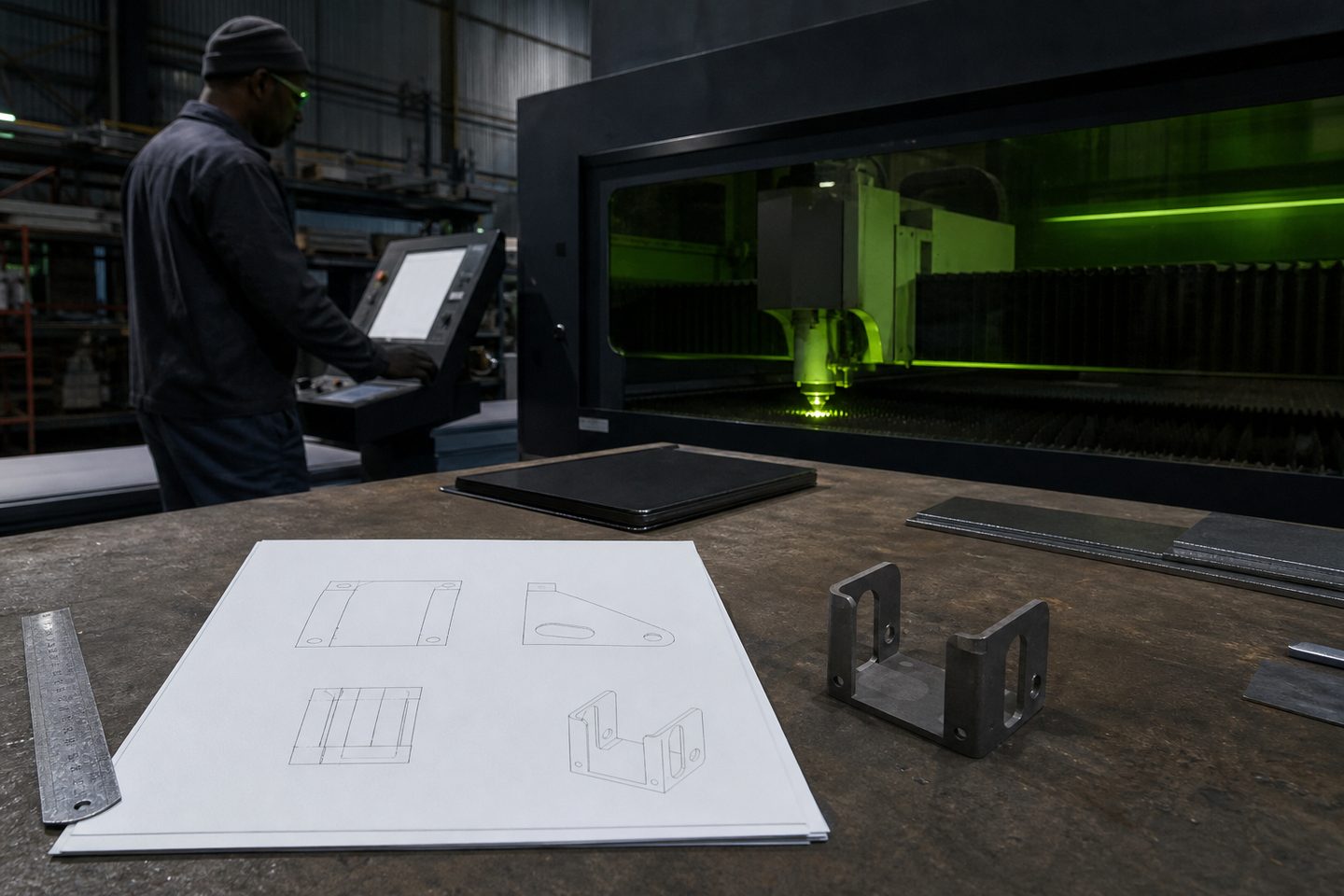
Who uses the enquiry pack and why it matters
The enquiry pack is for workshop owners, production leads and operators who need quick support or answers from our technical team. It helps everyone get off to a clear start by making sure all the key details are on one page, even if there’s a power cut or the PC is down.
It is not only for machine breakdowns. Use it for system advice, application queries, requesting demo cuts, or marking samples. Keeping a filled-in pack ready at your bench or console makes it much easier to track what changed over a shift or when problems started.
What to include and how to fill it in
The printable pack covers all the basics needed to identify your system and describe the situation clearly. Keep the details accurate and up to date, and update by hand if something changes during a run.
If you’re not sure of a detail, note that in the margin so we know where to check. These fields help us match your enquiry to the right applications engineer and avoid delays.
- System name and serial number (e.g. CutLine 1500, Mark Pro 30)
- Material type, thickness and grade
- Assist gas used (oxygen, nitrogen, compressed air), pressure and flow settings
- Any recent changes to settings or maintenance done
- Precise description of the issue or request (include photos if possible)
- Operator name, date and shift
How to use the sheet on the floor and report problems
Keep the latest sheet next to your workstation, update it as you go, and let shift leads know if something odd crops up. If a problem repeats or the machine drifts out of normal, jot it down before you forget. Dont throw away old sheets until the issue is closed out.
